
How to Use Fiverr to Reduce Business Busywork
- Category : Marketing
- Posted on : Oct 21, 2018
- Views : 2,920
- By : Ingavar J.

Fiverr gets a bad rap—especially from freelancers. The platform has a somewhat negative association with this group because they feel pressured to create services that can be sold starting at $5. To be sure, a lot has changed since the marketplace’s initial inception—including the need for pricing that starts at $5.
Even if you’re not looking for help as a business, you can use Fiverr to get a lot of interesting and downright weird services for fun. Like Groupon, the platform is a discovery engine for things you may not have realized you wanted. This can be a double-edged sword if you are addicted to shopping!
I’ve been using Fiverr for many years now, both as a seller and more recently as a buyer, too. I’ve made over $10,000 on the platform and have also re-invested several thousand dollars back into Fiverr buying services from freelancers on their marketplace.
In both situations, I’ve created win-win situations for myself, people who buy my services, and those who I purchase services from. CodeinWP shares their own tips for buying services from Fiverr but I think there’s more to say.
Let’s start this discussion about how to use Fiverr with why your current perception of Fiverr is probably wrong.
The Pros of Using Fiverr
First and most importantly, it’s no longer a requirement to start Fiverr orders at the low selling price of $5. For freelancers, this means no longer having to break down services into small components to try to make it worth it—you can build out packages worth hundreds of dollars (or more!).
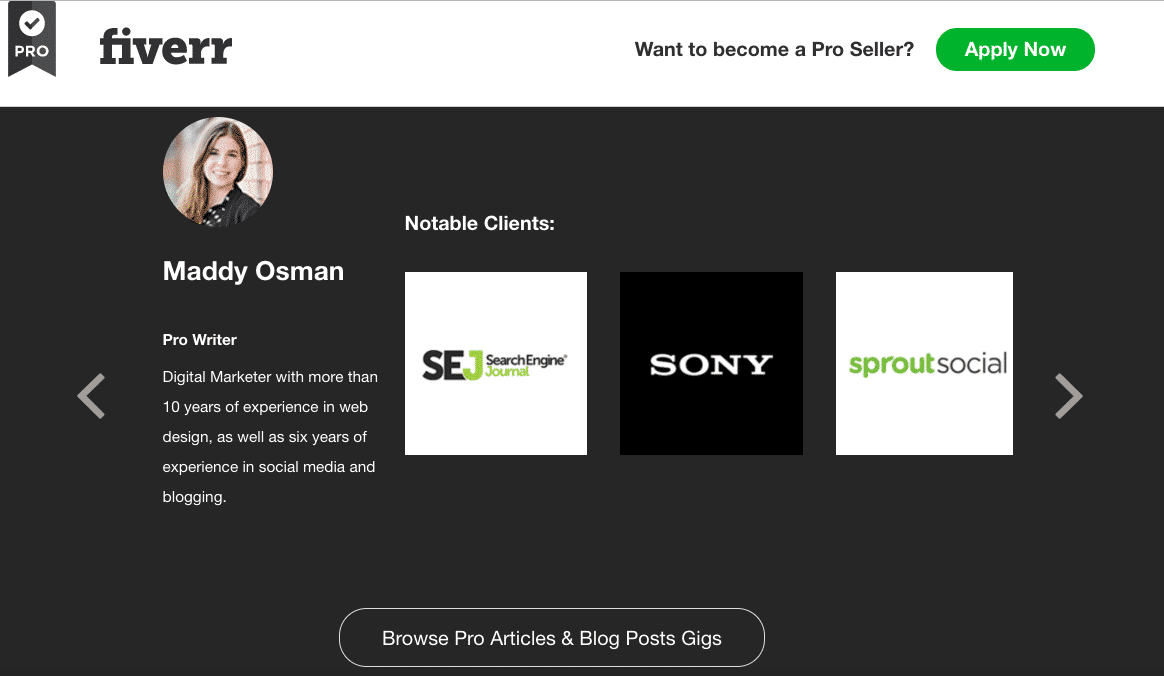
In an effort to attract more expert freelancers to the platform, Fiverr recently announced a new version of their marketplace: Fiverr Pro. Unlike Fiverr sellers on the main version of the marketplace, Fiverr Pro sellers are individually vetted by Fiverr employees. The end result? On-demand access to freelancers with a track record of results for brands that you’re probably familiar with.
And if you’re still not convinced that Fiverr cares about their freelancers, consider their recent acquisition of AND CO.
AND CO is an all-in-one business management tool for freelancers, including functionality for creating contracts, tracking time, and managing expenses. As of Fiverr’s acquisition of AND CO, freelancers have unlimited FREE access to tools that were previously gated by a paid monthly membership.
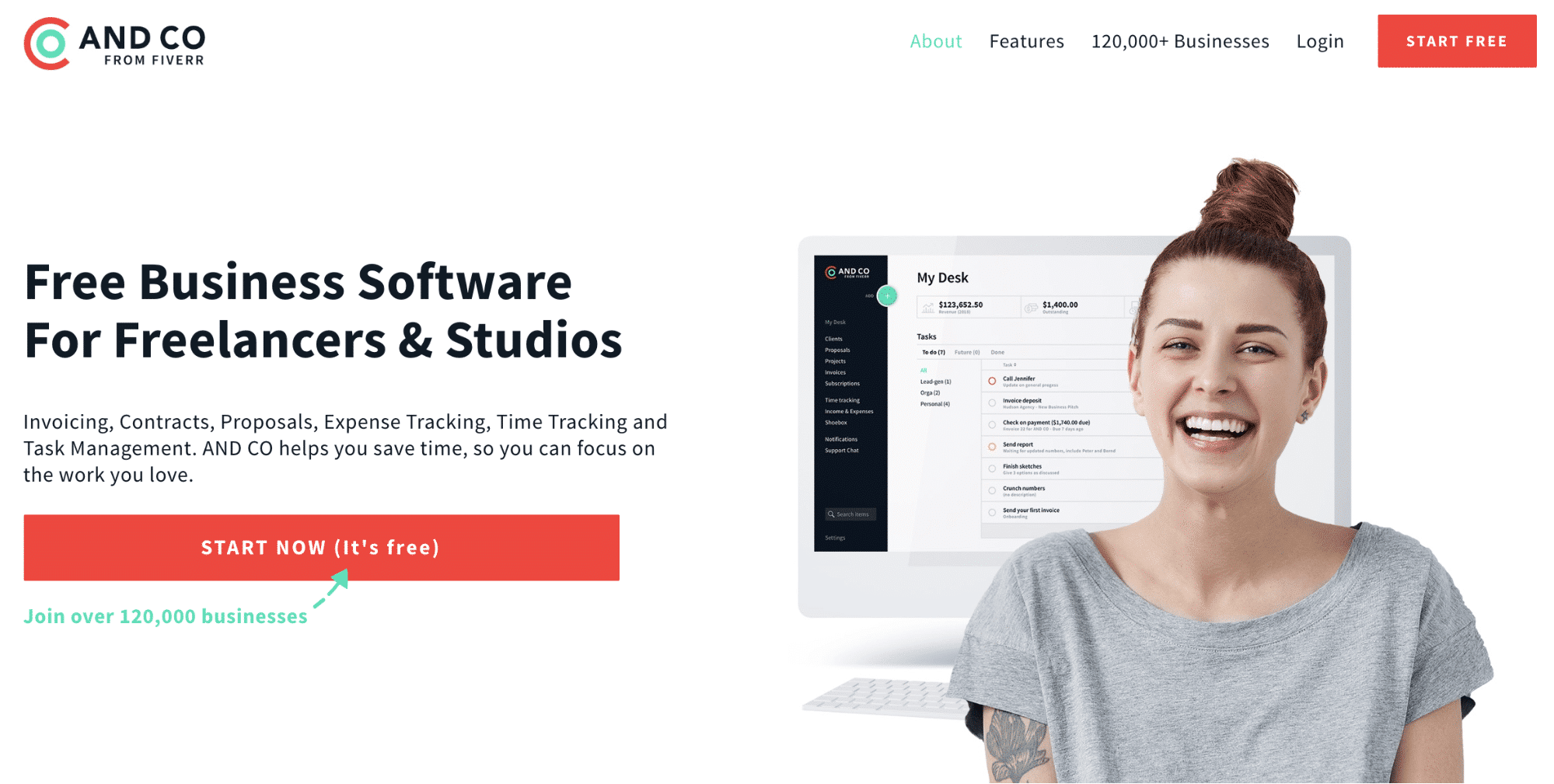
You don’t even have to be a Fiverr seller (or buyer) to use these tools—they’re now free for everyone.
Yes, there are still Fiverr gigs that start at $5. Many of these low-cost gigs are attributed to sellers from areas of the world with low costs of living.
While you might have ethical issues with outsourcing work that takes away from your own country’s prosperity, I see it as the chance to help people all over the world gain equal access to the hustle. Some of my favorite Fiverr sellers gush to me about how important Fiverr is for putting food on the table for their families—that’s definitely worth supporting.
What to Outsource on Fiverr
Next up in our discussion of how to use Fiverr: an introduction to the gig economy. Fiverr’s marketplace offers a wide range of services, packaged as “gigs”.
Gigs tend to be one-off projects but Fiverr’s system also offers functionality for multiple “milestone” deliveries. This means that a freelancer could effectively use Fiverr to create retainer services, though that’s not necessarily the norm.
There are some gigs that you can buy on Fiverr that are inherently bad for business, which we’ll discuss later on in this article.
On a more positive note, here are major gig categories that are oftentimes quite a steal on Fiverr:
- Graphic Design (I work with a character designer to come up with t-shirt designs for my ecommerce business.)
- Digital Marketing (I hired a Fiverr seller to help me configure some advanced functionality on Mailchimp.)
- Social Media
- Video Editing/Production
- WordPress tasks
- Writing/Proofreading
- Data Entry
- Minimalist Logo Design (there are some talented logo designers on Fiverr if you look hard enough. Check out how Woorkup got their blog’s logo outsourced.)
Fiverr’s PR team shares that the following gigs are on the rise (already having high demand prior to this point) going into Q1 of 2018 from Q4 of 2017:
- Live Action Explainers (507% rise)
- Short Video Ads (154% rise) and Video Ad Campaigns (88% rise)
- Influencer Marketing: Strategy & Research (103% rise)
- E-Commerce Marketing: Product Listings (91% rise)
- Gaming: creating games or hosting Twitch channels (70% rise)
- Mobile Apps & Web: Convert Site to App (62% rise)
- WordPress: Landing Page (60% rise)
- Presentations (52% rise)
- Branding Services (47% rise)
If you’re still not sure where to start with how to use Fiverr to help your business, grab inspiration from Sitepoint’s insights into how Fiverr gigs save them thousands each month.
How to Delegate on Fiverr
My main rule of thumb with success on this platform is to come in with a strategy.
Specifically, you should have a clear idea of what success looks like and how to get there. You should also know what failure looks like and how to get there.
In general, you want to use Fiverr to help you complete tasks—not define your overall strategy. In this way, you’ll be able to effectively judge success upon the completion of your order.
But even if you know what you want, it can be hard to communicate effectively if you don’t have much experience with delegation.
It helps to come in knowing how and why to delegate. As a general rule of thumb, consider delegating tasks that are:
- Time-consuming: like data entry.
- Low value: like scheduling social media.
- Specialty/occasional needs: like tax preparation.
Figuring out how to use Fiverr is especially helpful with regards to the first two task categories. As an entrepreneur, you may be tempted to stay busy to support your “hustle” mindset.
But being busy isn’t a badge of honor.
With a little introspection, you’ll likely uncover many tasks that you could be delegating without hurting your profitability. After all, successful delegating frees up time and energy to do more of the work you love to do (and get paid for!). On that note, outsourcing low value and time-consuming tasks to Fiverr makes it so that you can focus on the things that only YOU can do.
Keep this delegation framework in mind when deciding which tasks to outsource to Fiverr—especially when determining what isn’t a good task to outsource.
How to Use Fiverr: Communicating with a Seller
As a general rule, make sure to contact a seller before placing an order, especially if what you want seems even slightly outside the scope of their gig (or different than their standard package options).
Once you’ve decided on the scope of the order, there are a few additional steps you must take to ensure an ideal final product:
- Fill out all order requirements. Don’t be tempted to skip these things, even if you’ve already started a dialog with the seller. Repeat everything in the order so that it’s easily referenceable for your seller while they’re completing work for you. Fully answer every question so that there’s no question about what you’re looking for when the seller delivers the order.
- Provide resources that look like what your final project should look like. You might reference a competitor who’s killing it (with the stipulation that you don’t want to directly copy them!) or another project example that you love. Either way, you’re providing your seller with a baseline expectation of quality in the final delivery.
- Encourage questions. Fiverr sellers do the best they can with the information you give them. Make it easier for them to give you what you want by encouraging a dialog throughout the length of the gig. Without inviting questions, sellers may be hesitant to ask, for fear