
10 Best WordPress Social Media Plugins for Sharing and Engagement
- Category : Marketing
- Posted on : Nov 16, 2018
- Views : 2,990
- By : Edgardo D.

Are you trying to go viral? Well, you don’t need to get millions of followers or views to make a successful blog or online business. You might be able to make a living with just a few hundred VIP Facebook followers. Or you might be able to sell enough seats to your online course with a smaller Twitter or Instagram following.
The point is, social media matters, but it’s important to not get discouraged just because you see other accounts with millions of followers, or videos with millions of views. Every business is different, so it’s more about how you use social media.
And that’s where WordPress social media plugins come in. You can choose from a wide range of tools, some of which help you build your following, while others are more suitable for getting the word out about your company. Most of the time you want at least one WordPress social media plugin. However, some site owners might find that two or three of them are ideal for keeping users happy.
What Types of WordPress Social Media Plugins Do You Need?
Each WordPress social media plugin serves a different purpose, so it’s important to understand what you’re getting into before installing a plugin. Although this isn’t a definitive list, the most common social media plugins provide some of the following functionalities and benefits:
- Social sharing buttons – These improve your online exposure since users find pages and posts they enjoy, then share them on social media sites.
- Social icons with links – These show customers that you have social business pages, and it allows them to click through and follow you. It’s one of the easiest ways to build your social followings.
- A social login page – A social login keeps your site more secure and minimizes spam from robots. It’s also easier for customers since they don’t have to make a completely new username/password combo.
- Social comments – The default WordPress comments system has no social aspect. So, if someone makes a comment on your post, it’s not going to prompt others to make comments. However, Facebook comments can be viewed on Facebook and your blog, spreading the conversation much faster.
- A social locking tool – Some blogs and businesses restrict content with these tools. The user exchanges something like a social share or follow in order to gain access. It’s a great way to gain more followers.
- A social feed – This presents your Facebook, Instagram, or Twitter feed directly on your website. It adds more visuals to your site and gives a preview of what people can expect from your real social page.
- A social media poster – These types of plugins automate the social posting process. For example, you might have it automatically share your older blog posts to Twitter. Followers benefit since you’re always sharing content, and you don’t have to work as much.
Finding the Best WordPress Social Media Plugin in 2019
- Easy Social Share
- Social Pug
- Shareaholic
- Social Media Share Buttons & Social Sharing Icons
- MashShare
- Social Media Flying Icons | Floating Social Media Icon
- Super Socializer
- Revive Old Post
- Instagram Feed
- Sumo Share
- WordPress Social Stream
- Social Locker for WordPress
- Kiwi Social Share
- Social Warfare
You’re more than welcome to start testing out the social media plugins using the quick list above. Some people enjoy guessing and checking. However, we’ve extensively reviewed each of the plugins below and explained when they come in handy. We also talk about the pros and cons to help guide your decision.
1. Easy Social Share Buttons for WordPress
The Easy Social Share plugin sells for only $19, making it an absolute steal. Easy Social Share is used on the Host SEO blog, and we absolutely love it. Some of the reasons it makes complete sense for a blog like ours is because it doesn’t slow down the site at all, and you receive multiple tools for social sharing, follower counters, and email subscription tools. Therefore, you have the opportunity to build both your social following and email list following.
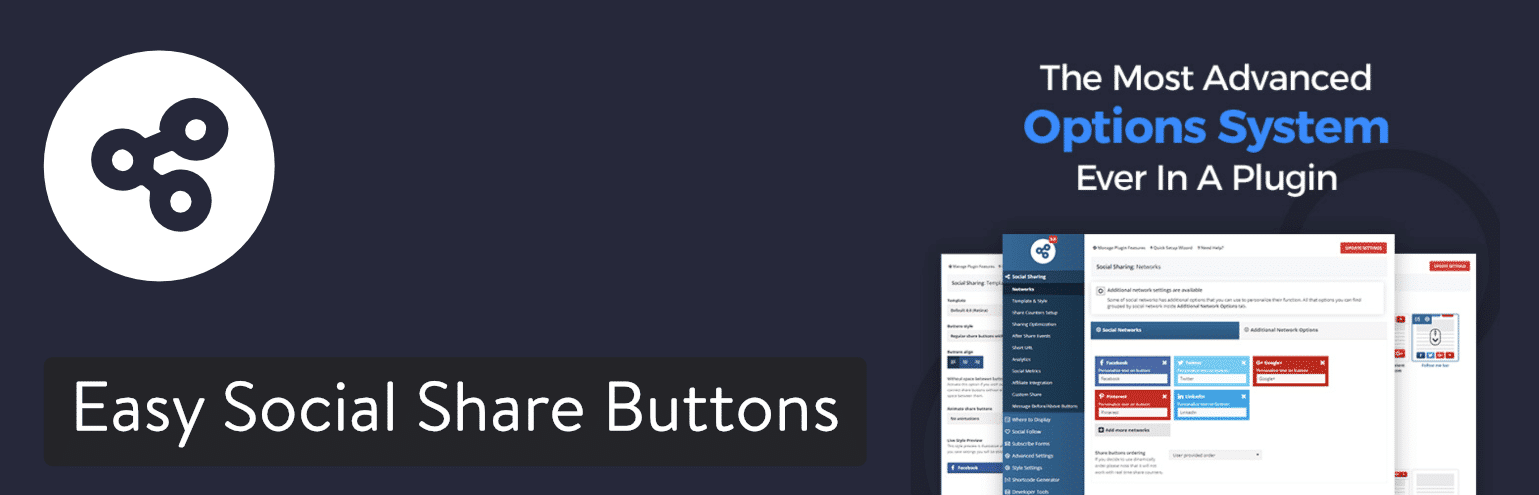
Several styles are provided with the plugin. For example, it presents a Mashable style and an Upworthy style, allowing you to mimic those types of websites. Along with a post view counter, wonderful social sharing analytics, and something called a subscriber booster, you can’t go wrong with the Easy Social Share Buttons for WordPress plugin. We’ve also found that the plugin developer is very responsive to comments and tickets.
Why You Should Consider This WordPress Social Media Plugin
- It costs less than $20, yet it provides far more features than most other premium WordPress social media plugins.
- You can link to your social media profiles.
- It lets you reveal counters for social media shares and the number of people following you on social media. (including Twitter shares)
- Create shareable quotes in your blog posts.
- It has a simple button for users to subscribe to your email newsletter.
- Share your top social posts to get even more people reading your content.
- View social analytics and metrics to see what type of content works best. Run A/B split tests on your social button placement.
- Choose from over 50 social network buttons, 28 display locations, 50 templates, and 25 attention-grabbing animations.
Possible Downsides
- Some might consider the first stages of setting up the plugin a chore. It’s a rather powerful plugin, but other plugins are easier to configure from the start.
2. Social Pug
Social Pug was developed by the team over at DevPups. They also created Opt-in Hound, which lets you build your email list. Beyond that, they also help co-develop other user registration and membership plugins on the repository. So when it comes to social and user interaction with your WordPress site, this is what these guys do!
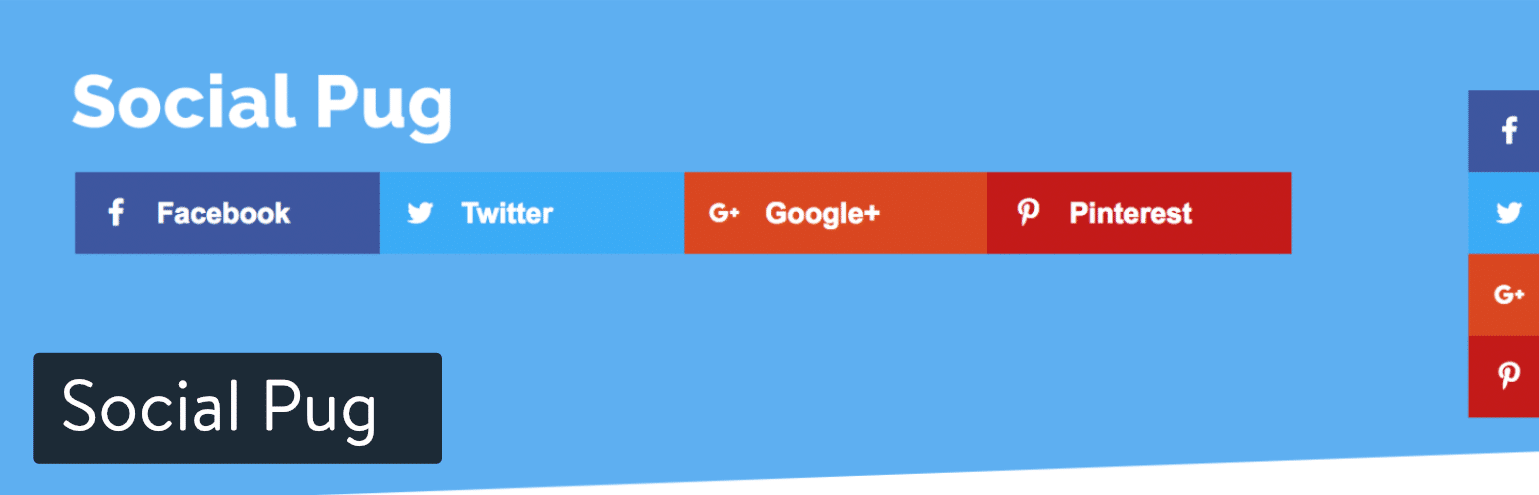
Social Pug currently has over 40,000 active installs with an impressive 5 out of 5-star rating. You can check the reviews for yourself. People love this plugin because it is lightweight, won’t slow down your site, and has just enough functionality to give you what you need if comparing to other bigger plugins. They also have a premium version which offers a few more features.
Why You Should Consider This WordPress Social Media Plugin
- This plugin is seriously fast and lightweight.
- The UI and the icons have a great modern design to them.
- Includes social share counts (and yes Twitter is included)
- Offer different positions such as inline and floating
Possible Downsides
- Some of the good options you might want, such as mobile share buttons, UTM, and link shortening are only in the premium version.
- Some alternative plugins offer more social media networks.
3. Shareaholic
As a WordPress site owner, you’re probably always on the lookout for new opportunities to engage with your audience. Shareaholic is a WordPress plugin used by hundreds of thousands of sites that comes with a suite of site engagement tools (Share Buttons, Related Posts, Follow Buttons, Cookie Consent, and Analytics). You can read our detailed review here: Shareaholic Review: A Suite of Audience-Engaging WordPress Tools
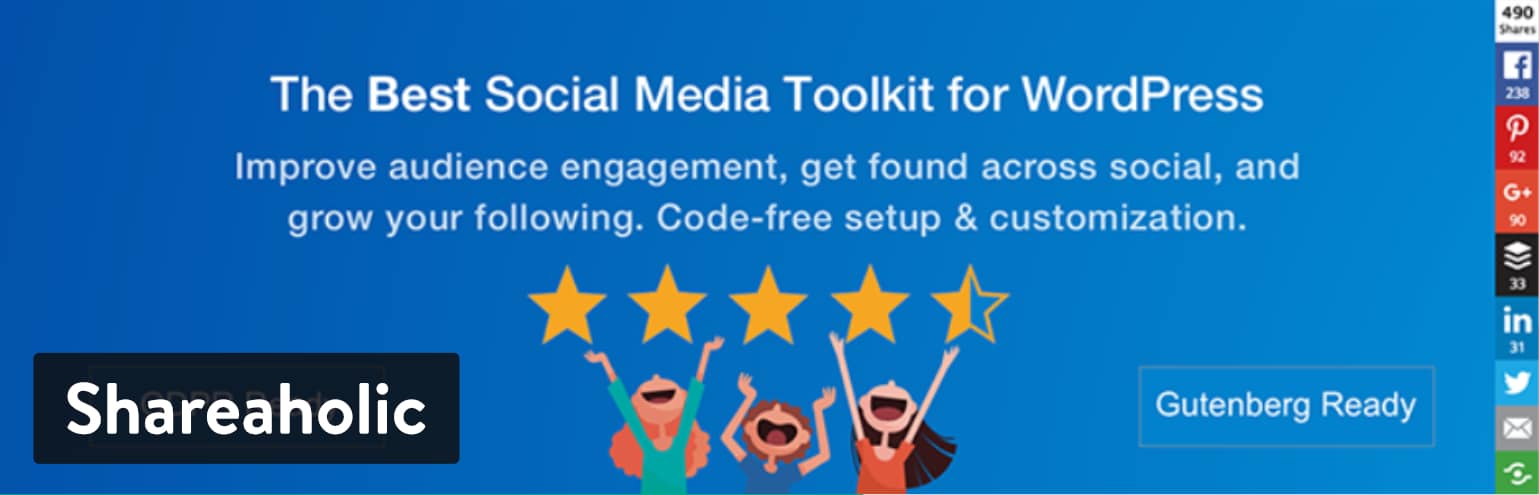
Shareaholic allows you to add both floating and in-content share buttons, as well as share buttons on individual images and options for social follow buttons. Each placement comes with its own array of detailed settings with the ability to turn on share counts, choose specific social networks, and more.
Why You Should Consider This WordPress Social Media Plugin
- It doesn’t add up to page load time: according to testings, it adds just 14 milliseconds to load time.
- 100+ social integrations for free, including WeChat and WhatsApp .
- Pinterest-specific advanced controls.
- Privacy features to aid GDPR compliance.
- Official Google Analytics Technology Partner.
- Social Share Count Recovery.
- Optional Monetization options.
- Branded URL Shortener.
Possible Downsides
- No Click To Tweet.
- The high number of features and settings available might feel overwhelming for WordPress beginners
4. Social Media Share Buttons & Social Sharing Icons (Ultimate Sharing)
The Social Media Share Buttons & Social Sharing Icons plugin has a long name, but it’s simple and intuitive enough to become your primary social media plugin. The plugin includes social buttons for linking to your accounts and getting people to share your articles and pages. Over 200 social media platforms are covered with the buttons, including YouTube, Facebook, Twitter, and Instagram. One of the main reasons you might go with this WordPress social media plugin is if you’re trying to find a highly-customized design. For instance, a blog about cats would be able to choose templated buttons that look like cats.
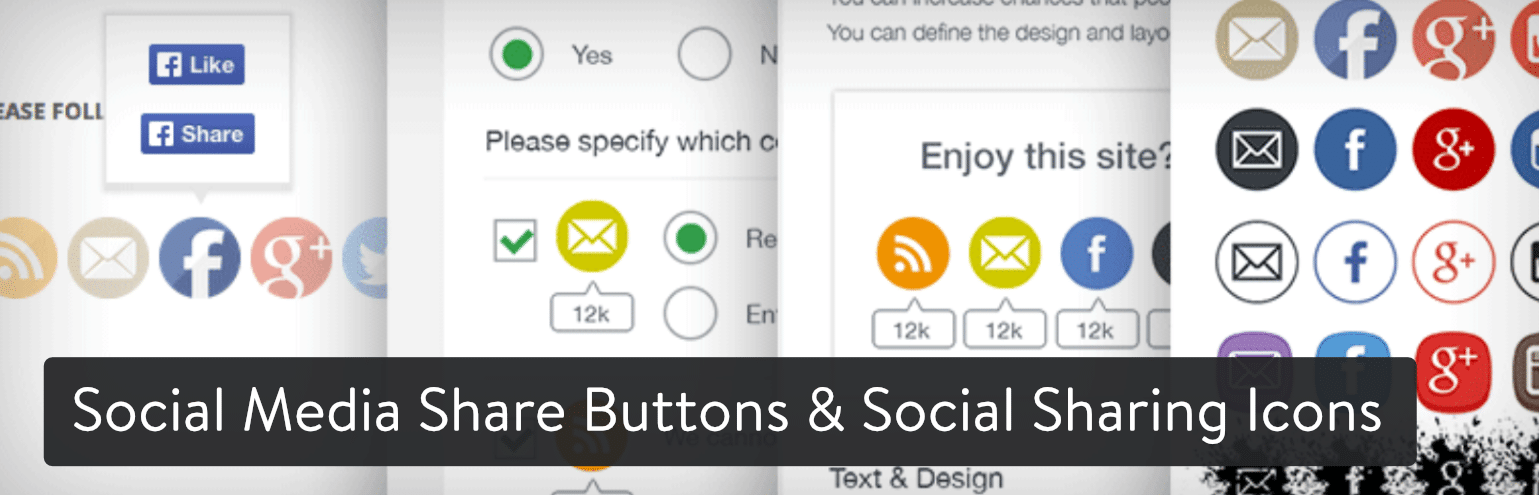
Obviously, not every theme is going to be provided through this plugin, but you can at least install it, see which options are available, then decide whether or not to keep it. Another reason I like this social plugin is that you can get creative with the location of your buttons. You can decide to have the buttons on some pages and hide them for others. It also lets you change the margins and choose from effects like stickiness and floating buttons. The majority of basic features come with the free version, but there is a premium plugin that currently sells for a $25 one-time fee.
Why You Should Consider This WordPress Social Media Plugin
- It’s one of the more customizable plugins in terms of button visibility. For instance, you can decide to hide the buttons after a user has already seen them.
- People don’t have to leave your site to follow your social pages.
- Some of the design styles are extremely unique, giving you some creative options to make your site look more interesting.
- The plugin offers some rare buttons to things like the Better Business Bureau, Github, and Xing.
Possible Downsides
- You’re not going to get much more than basic suggestions with the free version. The best support is provided when you pay for the premium plugin.
- There’s no way to set a minimum for social share or follower counts.
5. Social Media Share Buttons | MashShare
If you’ve ever read the Mashable website, you know that it’s a hub for shareable content. The social media buttons are an essential part of that system, so the Social Media Share Buttons | MashShare plugin tries to mimic what’s being done on Mashable. The MashShare plugin has a freemium model, so the majority of the basic features are free, but you can pay for additional add-ons to improve your own toolset. Sometimes this is a good thing, since you don’t have to fork over any cash for features you don’t need. But occasionally the developers keep all of the good features out of the free version, requiring you to buy several add-ons.
As for MashShare, it provides sharing buttons for the most popular social networks. It’s also pretty dynamic and fast loading, so it’s not going to slow down your site. I like the freemium model for this plugin, since you might end up not having to pay for anything.
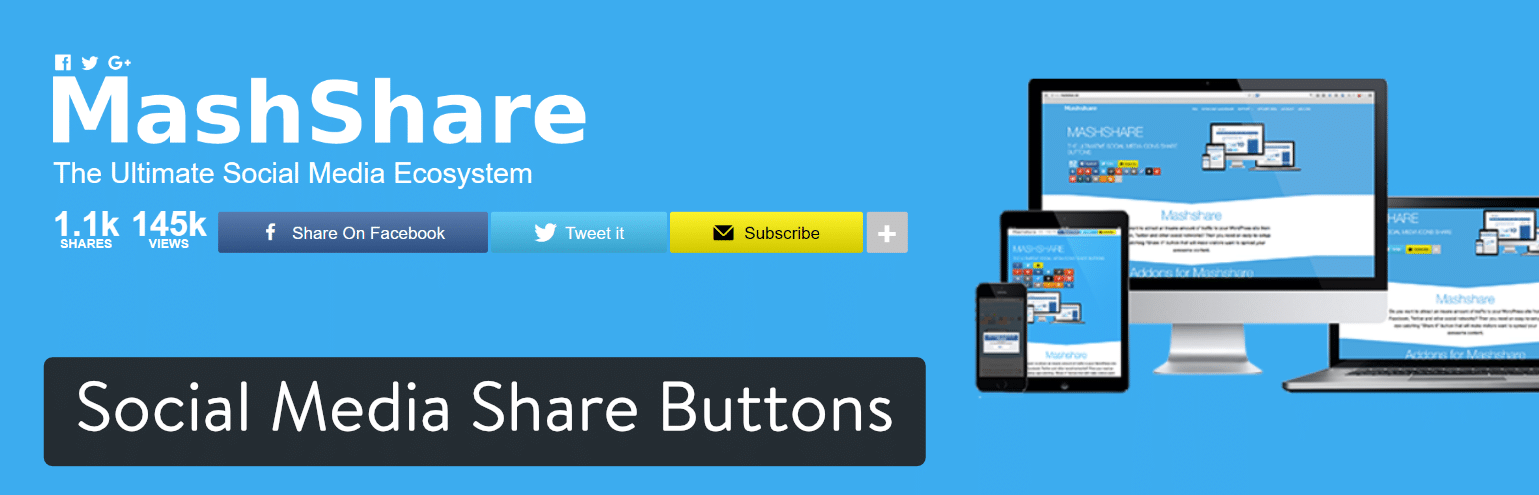
If you do need an add-on, they start at around $25. Some of the add-ons include the following:
- Mashshare Social Networks Add-on
- Sticky ShareBar
- Floating Sidebar
- Mashshare Responsive Add-on
- Google Analytics Integration
- Mashshare PageViews
- Mashshare Open Graph
- Mashshare LikeAfterShare
- ShortURLs Integration
- VideoPost Popup
- Click To Tweet
Why You Should Consider This WordPress Social Media Plugin
- It’s one of the only WordPress social media plugins with add-ons. Therefore, you can choose the features you want instead of paying full price for a batch of features you may not end up using.
- The plugin has caching built-in for fast delivery of the buttons.
- Filters and actions are available for more advanced development.
- The shortcodes allow you to place the social media buttons anywhere on your website.
Possible Downsides
- The common sharing buttons are somewhat limited, so you may have to pay for an add-on if you want more.
- The backend is somewhat confusing. There are lots of settings to configure, so beginners might get intimidated.
- There’s a fake share count feature. So you can basically lie to your users. I guess this might be seen as an advantage for some, but it seems dirty to me.
6. Social Media Flying Icons | Floating Social Media Icon
The Social Media Flying Icons plugin offers 30 different button styles for you to test out. Some of them are rather unique, like hearts or bottle caps, while others are flat, modern designs for covering the majority of industries. The standout feature is the flying animation, grabbing user attention when they land on your website. I’m not sure whether or not these animations increase conversions, but they sure are fun to look at.
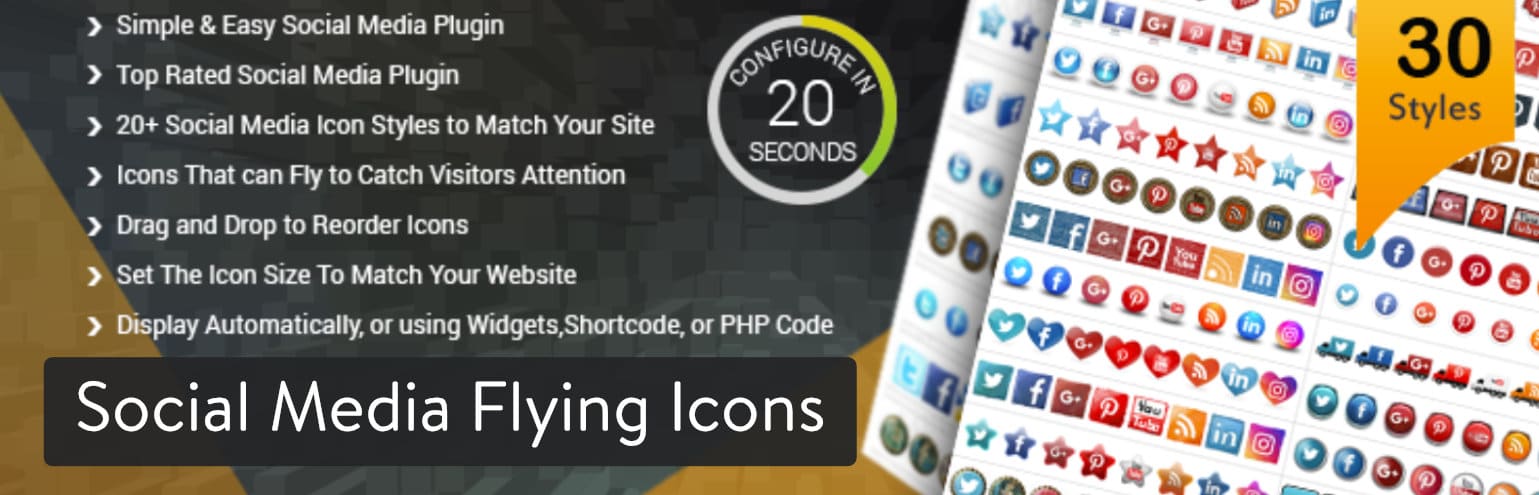
With plugins like this, it’s best to install it and view which button styles are provided. Finding the right look for your social sharing buttons is essential, so you can quickly install and uninstall plugins just to check out the designs.
Why You Should Consider This WordPress Social Media Plugin
- The designs are plentiful, with creative options like trucks and computers.
- You can adjust the icon size right from the dashboard.
- Change around the order of your social media buttons by using a drag and drop editor.
- You can add custom icons if a certain social media website isn’t supported.
- The floating tools allow you to pick a start position and an end position on your page.
- The shortcodes help you insert social media buttons wherever you want. For example, you could drop some buttons right in the middle of a blog post.
Possible Downsides
- The plugin only has icons for linking to your social media accounts. If you need sharing buttons, look elsewhere.
- Some might find the floating effects annoying.
- After you choose a theme there aren’t many other customization options.
7. WordPress Social Share, Social Login and Social Comments Plugin – Super Socializer
Try the WordPress Social Share, Social Login and Social Comments Plugin if you’re interested in getting all your social needs in one solution. For example, an online store could ask customers to log in using Facebook. Then, the users would be able to share products on Twitter. Lastly, they could make comments on your blog using Facebook.
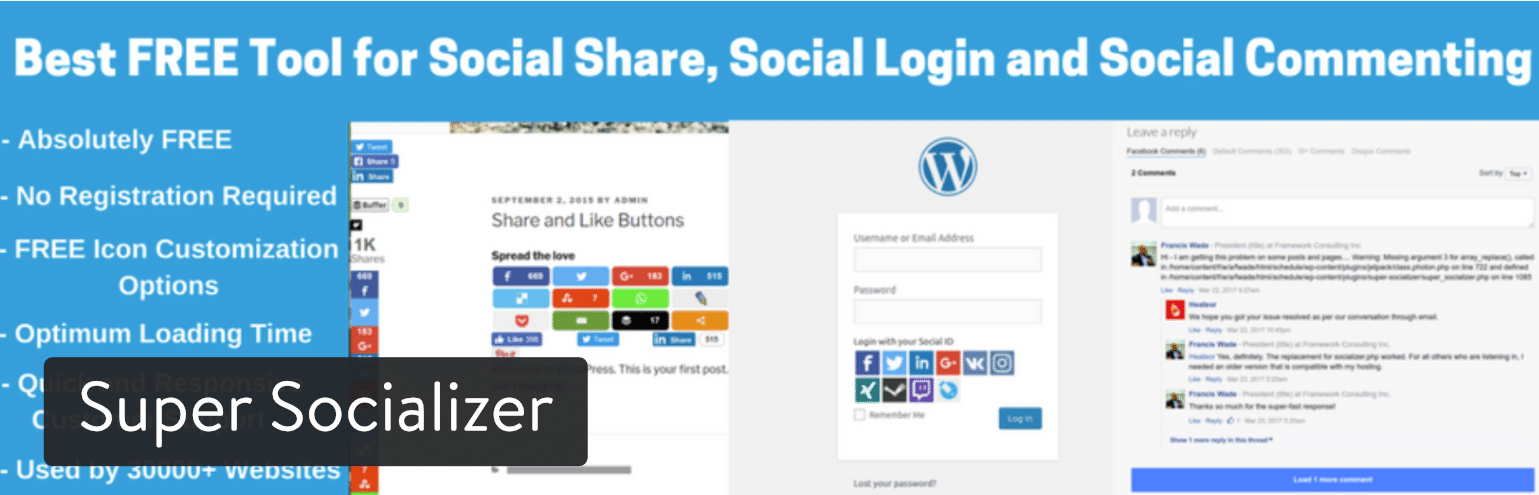
This is an entirely free plugin, but you do have the option to install some add-ons for extra power. For example, you need a $10 add-on to modify Facebook comments. That’s really the only add-on that seems like a requirement (at least if you plan on having a blog with Facebook comments,) but here are some of the other add-ons for you to choose from:
- Facebook Comments Notifier
- Social Share myCRED Integration
- Social Login myCRED Integration
- Social Analytics for Sharing
- Mailchimp Subscribe
- Recover Social Share Counts
Why You Should Consider This WordPress Social Media Plugin
- You receive three social modules wrapped into one plugin.
- The add-ons are affordable, and they allow you to choose additional features. For example, you could place a MailChimp Subscribe button on your social login area.
- Around 90 social networks are provided with the social sharing buttons.
- The developer offers setup support if you send in an email.
Possible Downsides
- There’s no feature for linking to your social media accounts. It’s only sharing buttons.
- The default designs aren’t that modern or creative-looking. Also, they almost give you too many customization settings. I’d rather have multiple templates that I could choose from and instantly activate them on my site.
8. Revive Old Post and Revive Network
Revive Social is a company with two plugins we find interesting. One is called Revive Old Post, which automatically shares some of your old content to social networks. The other is called Revive Network, which pulls interesting articles from other news sources and blogs, and automatically shares them to your own social pages.
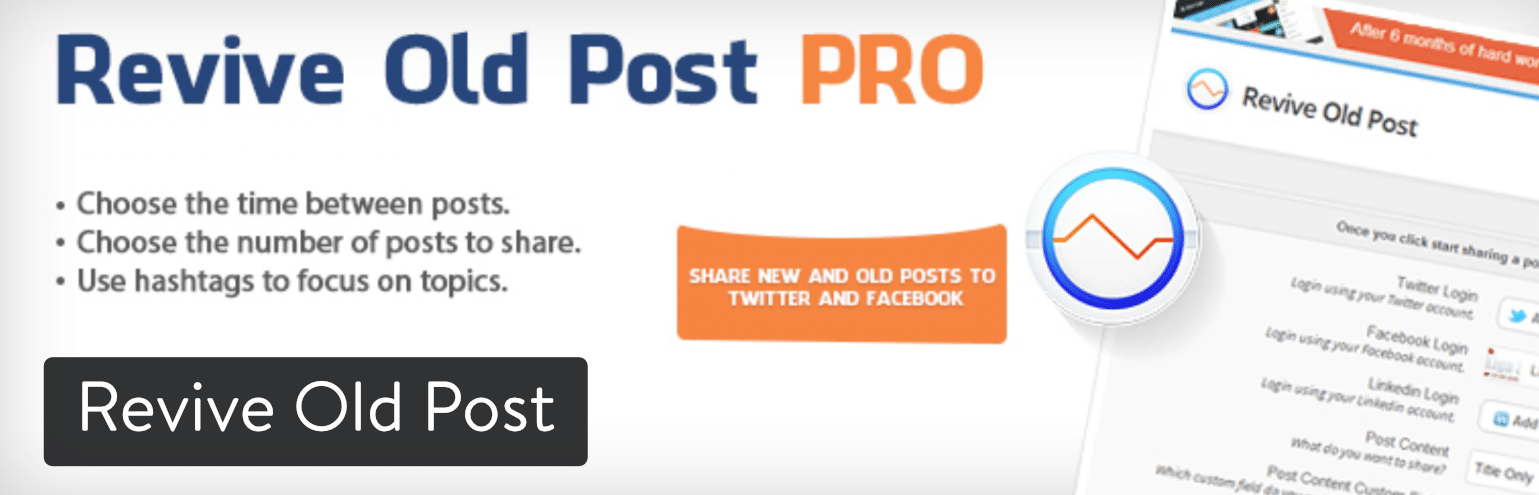
The Revive Old Post plugin starts at $75 per year and goes up to $299 per year if you need support for unlimited sites. The Revive Network plugin starts at $49 per year and goes up to $399 per year for marketers. There is a free version for Revive Old Post, but it is rather limited.
Why You Should Consider These WordPress Social Media Plugins
- Revive Old Post keeps your old blog posts relevant, while also providing a constant flow of content for your social pages.
- The Revive Network also delivers an automated way to keep your social followers interested. The main difference is that the Revive Network plugin is sharing articles from other sources, not your own blog.
- You can set a custom schedule so that your posts are being shared a certain number of times per week.
- Share multiple posts at one time.
- You can integrate with Google Analytics to see how your social posts are performing, and if they’re sending users to your website.
Possible Downsides
- The pricing is too high for both plugins.
- The free version of Revive Old Post has limited functionality. For example, you can’t customize share messages or have multiple social accounts. I can’t imagine running a blog and not wanting those features.
- The plugin is compatible with URL shorteners, but I’d rather see a shortening tool built right into the plugin.
9. Instagram Feed
Instagram is one of the most popular networks to display on your website. It might have something to do with the beautiful filters that make your pictures look more interesting. Regardless, including a feed of your posts can be done with the help of the Instagram Feed plugin.
The plugin is pretty self-explanatory, seeing as how you link up your Instagram page, decide where you’d like the feed to show on your site, then activate it so that the images are displayed on the site. A Pro Version is sold for $39, but you only need that if you’re interested in a pop-up photo lightbox, hashtag filtering, or support for photo captions.
Why You Should Consider This WordPress Social Media Plugin
- It’s a great plugin for adding a bit of imagery to your website. It also gives people a taste of what you’re sharing on Instagram, prompting people to follow you.
- You can customize everything from width to height and background color to image spacing.
- You aren’t limited to one Instagram feed.
- A “Follow on Instagram” button is provided towards the bottom of the feed.
- You can customize the CSS or JavaScript if you’d like.
- You can add your own header at the top of the feed.
Possible Downsides
- The photo captions are only shown with the pro version. So, the free version is more of an image gallery, as opposed to an actual social feed.
- The plugin doesn’t have support for any other social network feeds.
- The setting page is surprisingly long and intimidating for such a basic plugin.
10. The Sumo Social Apps
The Sumo brand has gained all sorts of popularity in the world of blogging and eCommerce, and it’s all because of its free suite of marketing tools. Although the most powerful plugins from Sumo involve email marketing, both Sumo Share and Image Sharer allow for some interesting social sharing options.
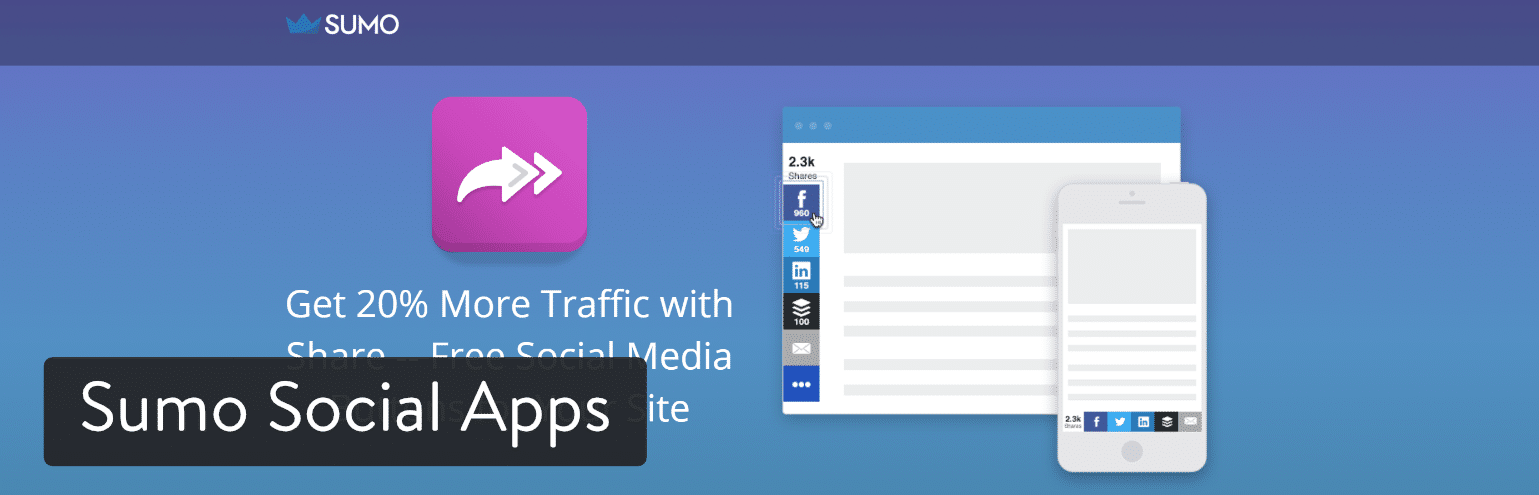
Sumo Share serves as your basic sharing module, where the social sharing buttons show up next to your content. The sharing buttons are universally useful, since they look professional and modern. I’d argue these sharing buttons are some of the best-looking ones you can find. The Image Sharer plugin is a little different. It places social sharing buttons on all of your website’s images. Therefore, that image is directly inserted as the featured image when someone shares to, say, Facebook or Pinterest.
Why You Should Consider These WordPress Social Media Plugins
- You get far more than social media options with Sumo. For example, the entire suite provides email marketing, quote highlighting, and analytics.
- The Sumo share buttons are as basic, and as beautiful, as you can find. And they’re free.
- You can download your historical sharing data.
- The sharing buttons have a smart feature for highlighting the most effective sharing buttons on unique pages. For instance, one of your pages might be getting shared more on Facebook, so it makes sense to have the Facebook button in front of the others.
Possible Downsides
- Most people aren’t familiar with social sharing done through an image sharer. You’ll most likely get more shares through a regular social button.
- You’re stuck with Sumo branding unless you go with the Pro version.
- Mobile preferences aren’t available in the free version.
Our Conclusion on the Best WordPress Social Media Plugins
As discussed, you may end up using only one WordPress social media plugin, or you might find that a handful of them work for your website. Regardless, you have plenty of options to choose from, so I’d recommend starting with Easy Social Share or Social Warfare to get those sharing buttons ready for your users. The sharing buttons are crucial. Then you can implement other things like links to your social pages, social content lockers, and feeds.
Categories
Subscribe Now
10,000 successful online businessmen like to have our content directly delivered to their inbox. Subscribe to our newsletter!Archive Calendar

| Sat | Sun | Mon | Tue | Wed | Thu | Fri |
|---|---|---|---|---|---|---|
| 1 | 2 | |||||
| 3 | 4 | 5 | 6 | 7 | 8 | 9 |
| 10 | 11 | 12 | 13 | 14 | 15 | 16 |
| 17 | 18 | 19 | 20 | 21 | 22 | 23 |
| 24 | 25 | 26 | 27 | 28 | 29 | 30 |
| 31 | ||||||
Recent Articles
-

Posted on : Jul 25
-

Posted on : Jul 07
-

Posted on : Apr 07
-

Posted on : Mar 19
Optimized my.cnf configuration for MySQL 8 (on cPanel/WHM servers)
Tags
- layer 7
- tweak
- kill
- process
- sql
- Knowledge
- vpn
- seo vpn
- wireguard
- webmail
- ddos mitigation
- attack
- ddos
- DMARC
- server load
- Development
- nginx
- php-fpm
- cheap vpn
- Hosting Security
- xampp
- Plesk
- cpulimit
- VPS Hosting
- smtp
- smtp relay
- exim
- Comparison
- cpu
- WHM
- mariadb
- encryption
- sysstat
- optimize
- Link Building
- apache
- centos
- Small Business
- VPS
- Error
- SSD Hosting
- Networking
- optimization
- DNS
- mysql
- ubuntu
- Linux






