
10 Best WordPress PDF Viewer Plugins
- Category : WordPress
- Posted on : Aug 30, 2018
- Views : 3,127
- By : Kapueo I.

Imagine you’re a teacher with a simple WordPress site. You’re getting excited about the new school year yet you’d like to give your students some digital-friendly documents for them to prepare for classes and understand the material. Your first order of business is to share the class rubric with all of the assignments and tests throughout the semester. You have the PDF file, but you’re unable to make it all that printer-friendly as a blog post or page.
Why doesn’t WordPress have a PDF viewer where visitors can view a full PDF and download it if they want? WordPress has plenty of features, but a PDF viewer isn’t one of them. Luckily, the wonderful world of WordPress PDF viewer plugins come to the rescue.
What’s a WordPress PDF Viewer Plugin and When Would You Use It?
Take our example of the teacher and the rubric above. In this situation, there’s no substitute for a viewable and printable PDF on the class website. Chances are, half of the students will throw out printed handouts and the idea of copying and pasting the PDF content into a blog post is a formatting and printing nightmare.
1. PDF Embedder
The PDF Embedder plugin has been around for some time now, and it’s one of the cleanest ways to present your PDFs on a website. The free version of PDF Embedder includes the majority of the features you’ll need, with the quick upload button, PDF embed function and your regular navigation buttons.
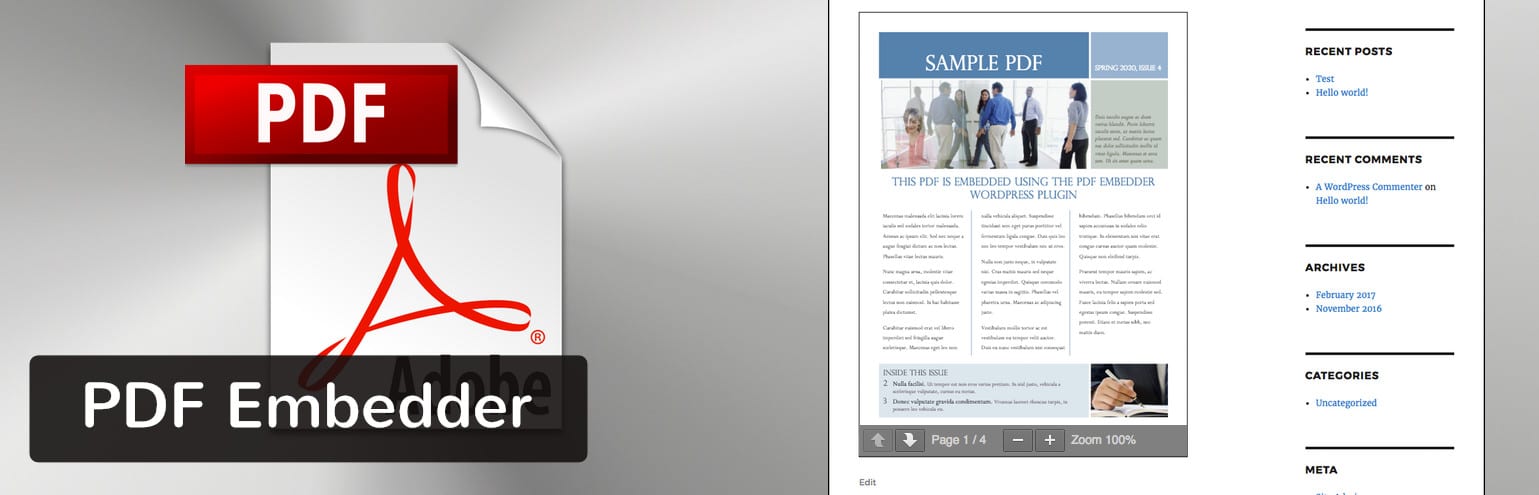
If you need advanced features like mobile-friendliness, a fullscreen button and page jump technology, the premium version of PDF Embedder is right for you.
Why This PDF Viewer Rocks
- The PDF upload only takes one simple click.
- Your PDF snaps into place depending on the size of the screen. You can also adjust the dimensions manually.
- The plugin only uses JavaScript for display, so the viewing experience is much smoother than if it were to utilize iframes.
- You can get premium features like full-screen mode, PDF security, and continuous scrolling through pages.
- The premium version of the plugin only has a small one-time payment.
The Downsides
- The free version doesn’t secure any of your content, so someone could technically come and grab your PDF if they wanted to. Of course, you can upgrade to the premium version to solve this problem.
- The page flip buttons are small and in an odd location towards the bottom left-hand corner of the screen.
2. Google Doc Embedder
The main benefit of going with the Google Doc Embedder is that it supports a wide range of file types. You don’t need to convert your files to Google Docs, but I’m assuming that used to be the case when this plugin was created. You won’t get sold on a premium version for the Google Doc Embedder, so all of the features covered are given out for free.

As for the coolest features, check them out below:
Why This PDF Viewer Rocks
- A quick embed button shows up in your WordPress post editor. Therefore, you can add PDFs and other files while you’re writing up a post.
- The plugin supports everything from PDFs to Word docs and PSDs to OTFs. The file support is most likely why you’d select Google Doc Embedder.
- The plugin currently translates into ten different languages allowing for more people to access it and use the plugin on their sites.
- You also have the option to work with shortcodes if that’s more your style.
The Downsides
- Much of the functionality from this plugin relies on Google hosting your documentation. Usually, you’ll have no problem with this, but you don’t technically have full control over your content. In short, the PDFs aren’t being hosted on your own server, so they’re never completely secure.
- It doesn’t have an upload feature for pulling local documents, so you’re required to upload your documents, then copy and paste a URL. This is a somewhat outdated way of doing things.
3. PDF Viewer for WordPress
For one payment of $17, you gain access to the majority of WordPress PDF viewer features you and your visitors need. In fact, PDF Viewer for WordPress is one of the most powerful, feature-rich viewer plugins on the market.
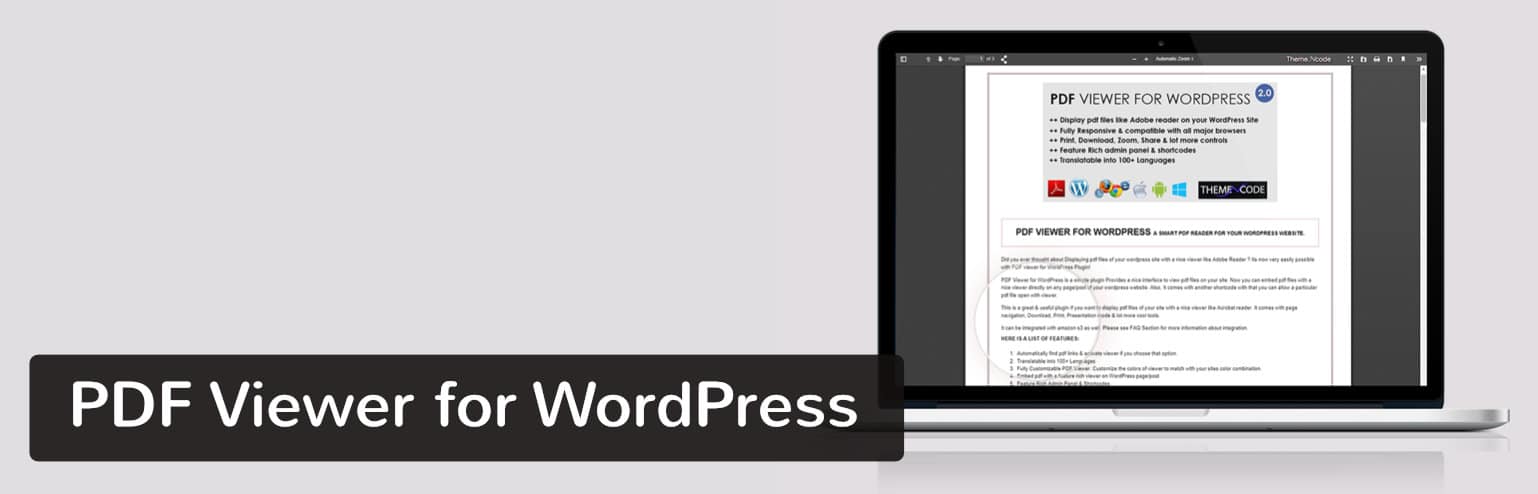
It’s fully responsive, so all of your PDF files get displayed nicely on every device. A beginner wouldn’t have any trouble working with the plugin since it has a quick embed function that supports unlimited PDF files and sizes.
Why This PDF Viewer Rocks
- It can be translated into more than 100 languages.
- The plugin connects to Google Analytics for tracking how many people read and download your PDFs.
- Bookmarks and links are supported in the documents.
- Shortcodes are available if you’d rather insert PDFs that way.
- The developer offers some of the best support and documentation in this niche.
The Downsides
- The PDF Viewer for WordPress plugin doesn’t have any tools for securing your PDFs.
4. PDF.js Viewer Shortcode
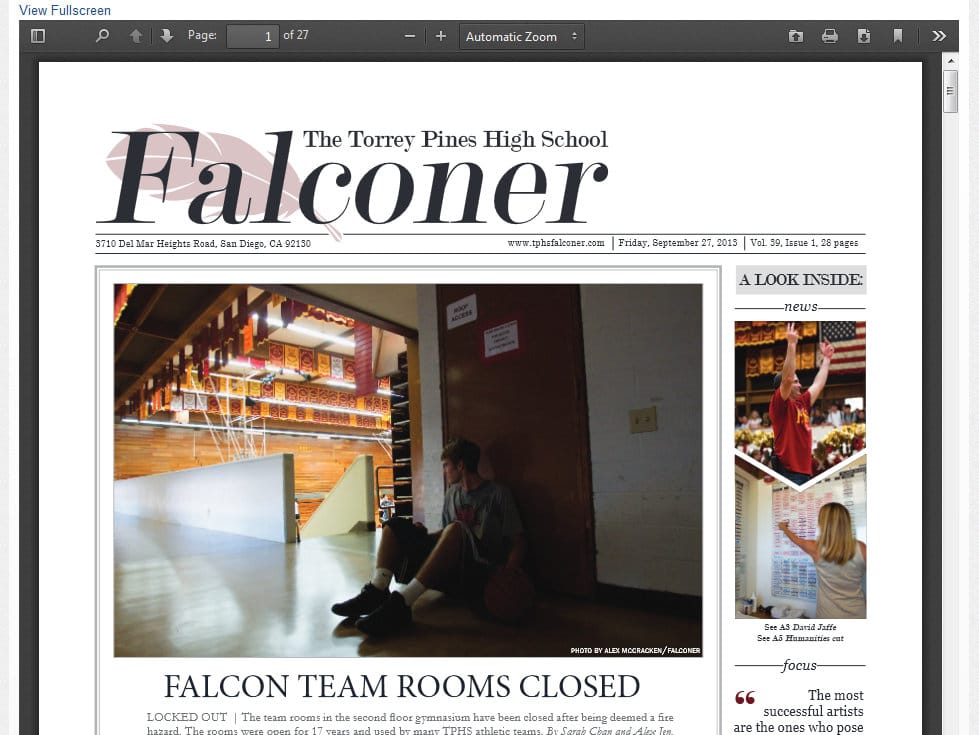
With the worst name of the bunch, PDF.js Viewer Shortcode is still no slouch when it comes to displaying your PDFs in a beautiful manner. In fact, the user side of this viewer definitely competes for the top spot. It has an elegant gray theme frame and a document outline for people to jump around from page to page.
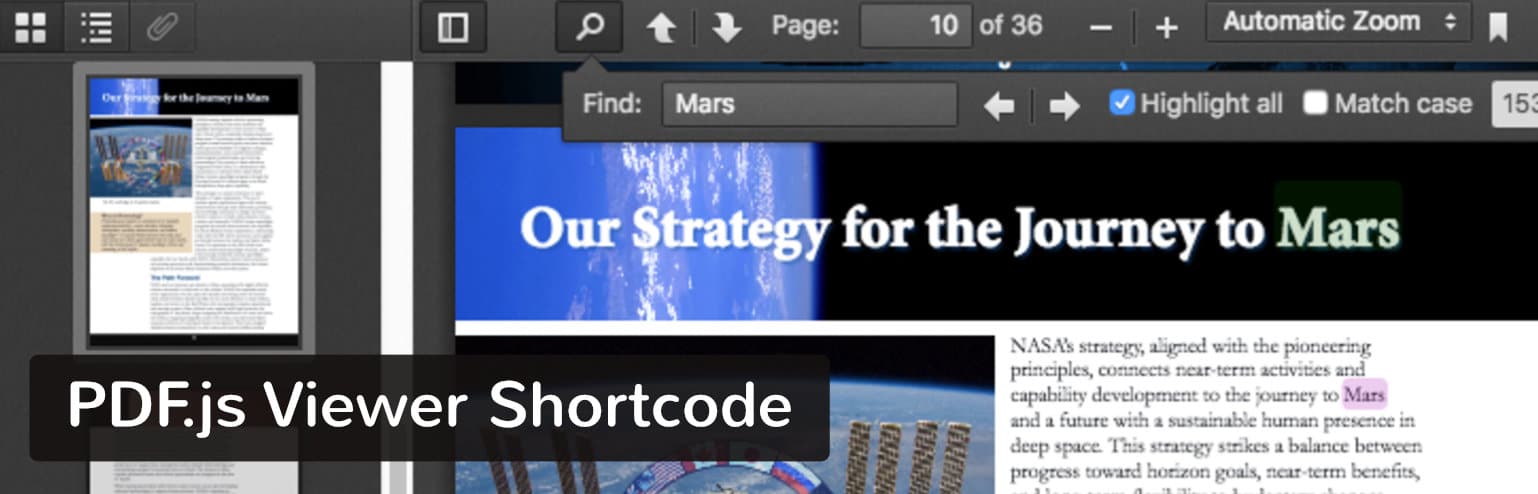
Not to mention, it’s completely free without any upsells along the way.
Why This PDF Viewer Rocks
- The document outline shows content on each page, allowing users to quickly scan through.
- It’s one of the few PDF viewers with customizable buttons.
- You can protect your PDFs with passwords.
- The plugin has a feature similar to image lazy loading where a large document doesn’t completely show up until specific pages are navigated to. This keeps your site speeds fast.
The Downsides
- Several users have reported problems with conflicting security and caching plugins.
- Some Internet Explorer users have seen issues when viewing PDFs in their browser.
5. WP Booklet
WP Booklet has a focus on refined magazine-style displays, using flip animations and page pop-ups to mimic the reading of a pamphlet or magazine in real life. It’s definitely a watered down version of Real3D FlipBook (covered below,) but it does the job without you having to pay any money.

The plugin supports both PDFs and images, so a photo flipbook is entirely possible as well. They even throw in some templates to get you started.

Why This PDF Viewer Rocks
- The templates come in handy for beginners who don’t want to mess with any settings or design.
- You can upload PDFs and images in bulk.
- The page thumbnails help users navigate around the document.
The Downsides
- Changing the style of your flipbook requires accessing site files, making it a complete pain in the butt.
- Apparently, the Upload PDF button doesn’t show up for some users.
- Compared to the displays from other WordPress PDF viewers on this list, it’s not the prettiest.
6. Flowpaper
Flowpaper has an advanced-looking WordPress PDF viewer without any price tag. It looks nice, but the backend controls are far from user-friendly. If you’re a more advanced developer who wants a beautiful, free PDF viewer, this might be the one for you. If you’re a beginner, you may get tripped up by the code customizations and storage limits.

Why This PDF Viewer Rocks
- Users have three options for getting their PDFs online. One of them involves hosting the PDF somewhere else and pasting in the link. Another lets you upload to WordPress. The third option uploads the PDF to the Flowpaper cloud.
The Downsides
- If you don’t host your PDFs on the Flowpaper cloud you’re limited to 15MB per publication.
- Flowpaper is known for not supporting all browsers and devices right out of the box. There are ways to fix this though.
- The PDF embed process requires you to use a shortcode. Some might rather have a quick upload button that drops the PDF into the post without a code.
- All customizations must be done by editing code.
7. Vanilla PDF Embed
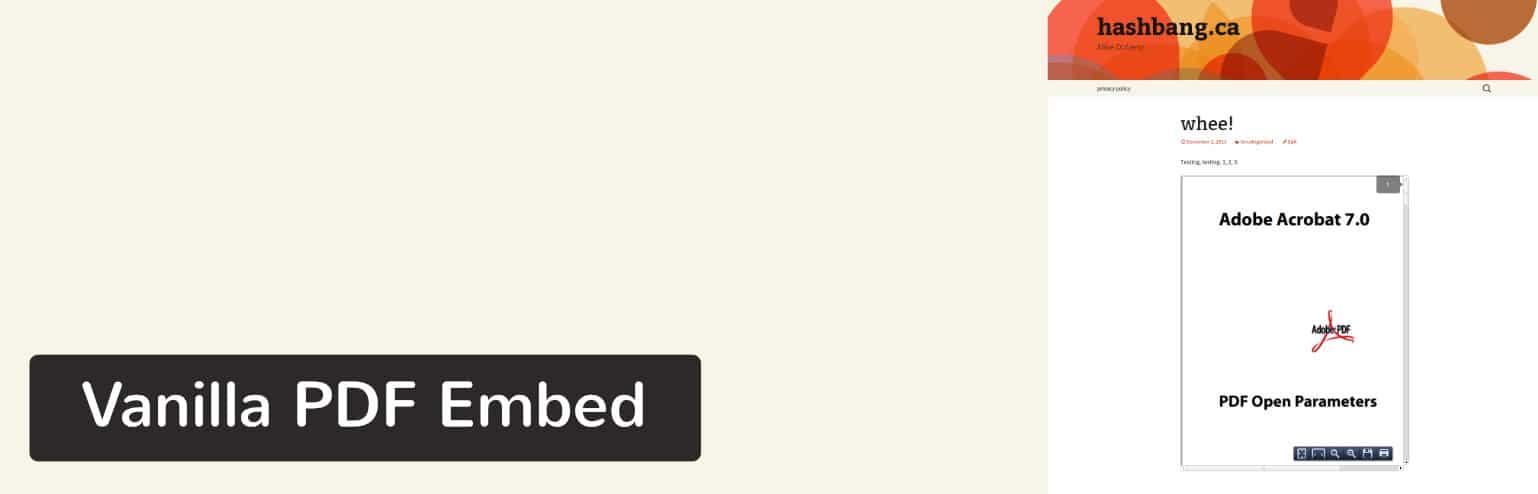
This PDF viewer is called vanilla for a reason. The basic, minimalist user interface drops a PDF in your post without any bells and whistles. There’s no premium version, so you get things like page jumping, searching, zooming and printing without having to pay a dime. Check out the Vanilla PDF Embed plugin.
Why This PDF Viewer Rocks
- It doesn’t have tons of unnecessary features, and the shortcodes are fairly easy to use.
- The plugin provides a clean reading experience for your users.
The Downsides
- Many mobile browsers have been known to show a gray box instead of the PDF.
- There’s no quick upload button, so you’re required to host on another source or upload the PDF to WordPress then use the shortcode.
- You need to place small bits of code in the shortcode to customize the viewer.
8. PDF Viewer
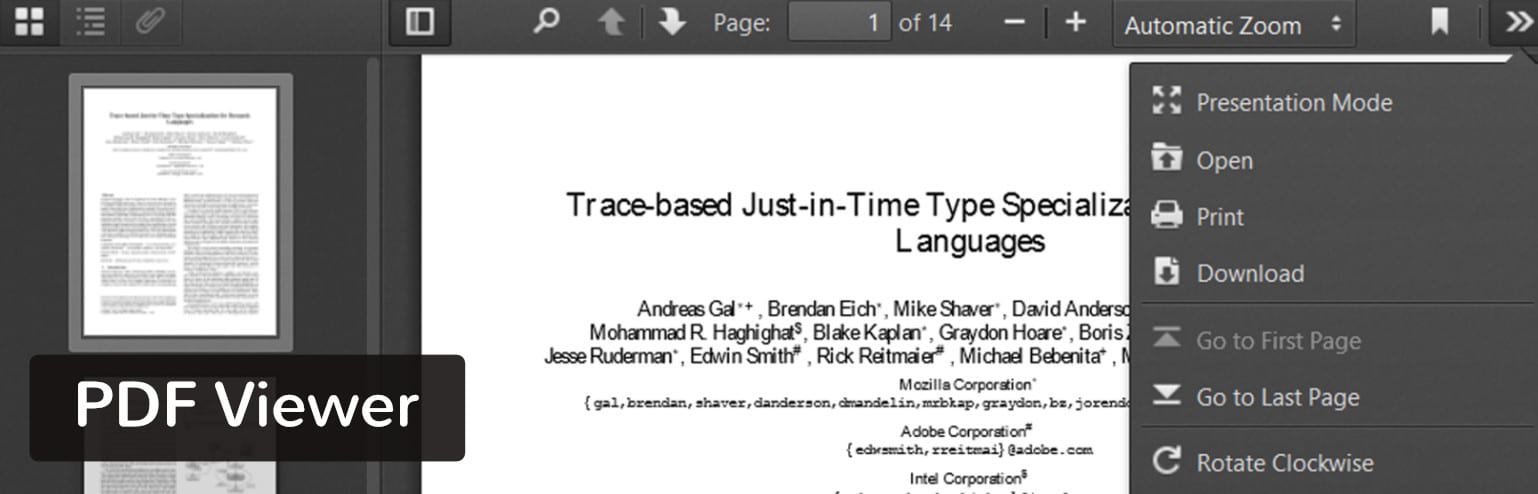
A few years ago, the PDF Viewer plugin would have been one of the top mentions on this list. But the developers have stopped managing it, so it’s tough to recommend it unless you’re willing to take that risk.
Why This PDF Viewer Rocks
- The viewer plugin is supported in WordPress multisite.
- Search for keywords to find specific spots in the document.
- The Settings page is simple and to the point, providing the shortcode needed, along with some settings for adjusting the height and width of your viewer.
The Downsides
- The plugin hasn’t been updated in over two years. This might cause problems in the future, but for now, it seems to be working rather well.
- The plugin has experienced glitches with Internet Explorer. They do, however, have an option to display a warning for IE users.
9. PDF and Print by BestWebSoft
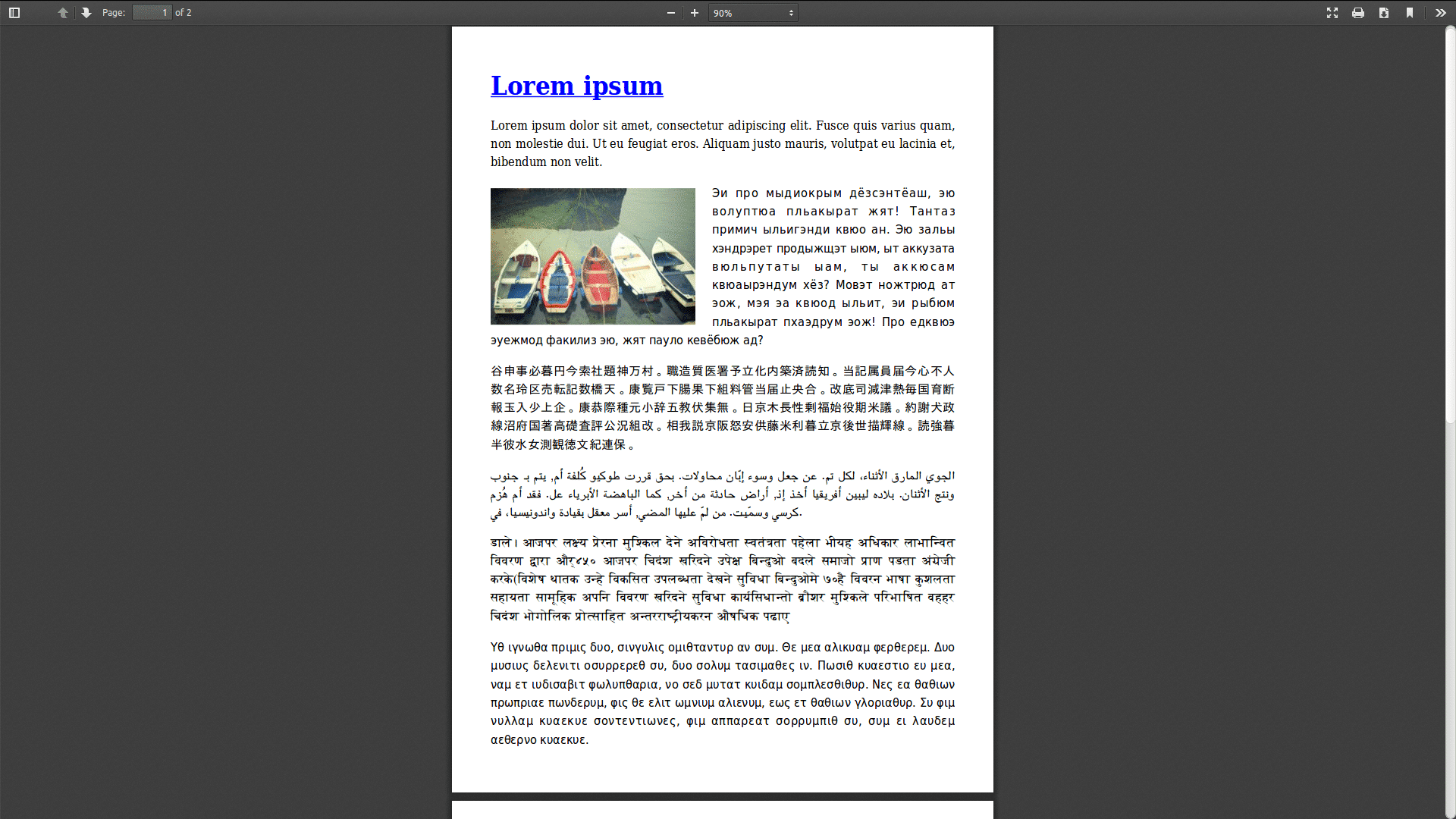
Not all WordPress PDF plugins serve as WordPress PDF viewers. Some of them act as converters when you’d like to take a blog post and switch it to a PDF. That’s exactly what the PDF and Print plugin does, allowing you or your users to complete the conversion directly from your website.
Most of the required features are packed into the free version, but they do have a premium plan for things like adding watermarks, creating custom document headers, integrating with WooCommerce and other niche capabilities.
Why This PDF Viewer Rocks
- It lets your users download PDFs from your posts.
- The plugin also supports pages, search results, archives, and custom post types.
- You can add the conversion buttons by using widgets or shortcodes.
- The plugin offers different icons for your print buttons.
The Downsides
- The premium version requires a yearly payment. It’s only around $30, but it kind of stinks that you get roped into a recurring payment for such a basic plugin.
- Page builder compatibility is completely non-existent.
10. PDF Tab for WooCommerce
PDF Tab for WooCommerce is another alternative WordPress PDF plugin, delivering a PDF download button on your e-commerce product pages. Some product information is too long for the product page or maybe it needs to be protected in some way. On the other hand, your company might already have this documentation and there’s no need to duplicate it.
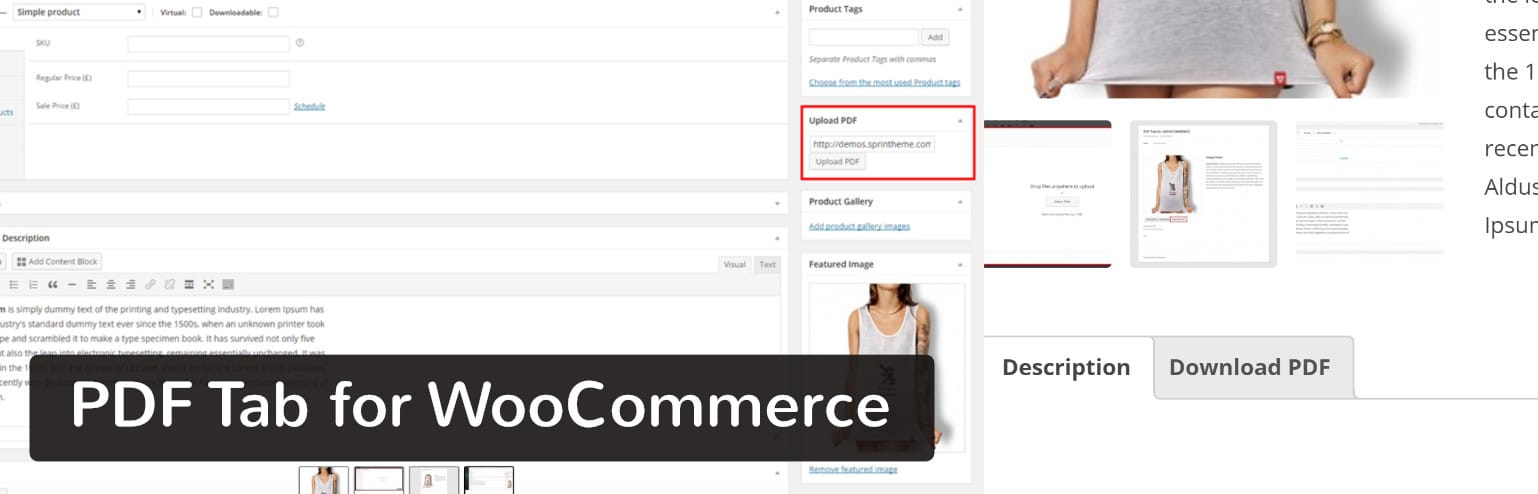
For example, some online stores include sizing charts for clothing. I’ve even seen fitted hat companies with ruler printouts that you can wrap around your head to find the right fit.
Why This PDF Viewer Rocks
- The PDF uploads are all handled through WordPress, so you don’t need to mess with shortcodes.
- A Download PDF button gets displayed right on the product page of your choice.
- It opens up several opportunities to inform buyers about your products.
- Users can either download the PDF or view it in the browser.
The Downsides
- Although it may not matter, the plugin doesn’t seem to have any features for securing your PDFs.
- You can’t upload more than one PDF per product page.
- There’s no easy way to change the text on the Download PDF button.
Which WordPress PDF Viewer is Right for You?
With such a long list of reputable WordPress PDF viewers, it might seem tough deciding on which one to go with.
Here’s what we think:
- If you don’t want to pay any money for your PDF viewer, go with PDF.js Viewer Shortcode or Flowpaper.
- If you’re interested in plentiful features and the most elegant displays, consider PDF Embedder or Real3d Flipbook.
- If you use Google’s products quite a bit and don’t mind them hosting your PDFs, go with Google Doc Embedder.
- If you need to integrate with WooCommerce, consider PDF Tab for WooCommerce or PDF and Print by BestWebSoft.
- If you’d like to convert blog posts or pages into PDFs, PDF and Print by BestWebSoft is your plugin.
Categories
Subscribe Now
10,000 successful online businessmen like to have our content directly delivered to their inbox. Subscribe to our newsletter!Archive Calendar

| Sat | Sun | Mon | Tue | Wed | Thu | Fri |
|---|---|---|---|---|---|---|
| 1 | 2 | |||||
| 3 | 4 | 5 | 6 | 7 | 8 | 9 |
| 10 | 11 | 12 | 13 | 14 | 15 | 16 |
| 17 | 18 | 19 | 20 | 21 | 22 | 23 |
| 24 | 25 | 26 | 27 | 28 | 29 | 30 |
| 31 | ||||||
Recent Articles
-

Posted on : Jul 25
-

Posted on : Jul 07
-

Posted on : Apr 07
-

Posted on : Mar 19
Optimized my.cnf configuration for MySQL 8 (on cPanel/WHM servers)
Tags
- layer 7
- tweak
- kill
- process
- sql
- Knowledge
- vpn
- seo vpn
- wireguard
- webmail
- ddos mitigation
- attack
- ddos
- DMARC
- server load
- Development
- nginx
- php-fpm
- cheap vpn
- Hosting Security
- xampp
- Plesk
- cpulimit
- VPS Hosting
- smtp
- smtp relay
- exim
- Comparison
- cpu
- WHM
- mariadb
- encryption
- sysstat
- optimize
- Link Building
- apache
- centos
- Small Business
- VPS
- Error
- SSD Hosting
- Networking
- optimization
- DNS
- mysql
- ubuntu
- Linux






