
Medium vs WordPress: Where Should You Start a Blog?
- Category : WordPress
- Posted on : Nov 26, 2018
- Views : 2,814
- By : Hagen V.
Trying to choose between Medium vs WordPress for your blog or website? In a way, this is a bit of a flawed argument because the two are fairly fundamentally different tools. One is not inherently better than the other – they’re just…different. And you can even successfully use both at the exact same time!
Over the next thousand words or so, we hope to give you a deeper understanding of these fundamental differences so that you can pick the platform that’s right for you.
- An introduction to Medium vs WordPress
- Advantages of choosing WordPress
- Advantages of choosing Medium
- Which one should you choose?
Medium vs WordPress: Introducing The Players
Medium is a platform for “stories”. Which is kind of a fancy way of saying it’s a blog platform. But that “story” branding does actually have some real effects in the way Medium structures its site and the audience it attracts.

You have more people looking for actual content and ideas, rather than the GIF-fest that something like Tumblr can often turn into.
To create your own content, you can sign up for a Medium account and start publishing using Medium’s user-friendly editor. You don’t need to create your own website, which is convenient. But that also means that you don’t own anything. You’re doing it all on Medium’s platform.
WordPress*, on the other hand, is a full-scale content management system. At a very basic level, a content management system is a tool that makes it easy to manage an actual website without needing to know how to code.

You can use it to create a blog (that’s where WordPress’ roots are), but you can just as easily add on an eCommerce store, forum, or just a regular old static website.
*WordPress.org and WordPress.com are different things. We’re talking about WordPress.org because that’s the actual WordPress software.
How You Start a Blog on Medium
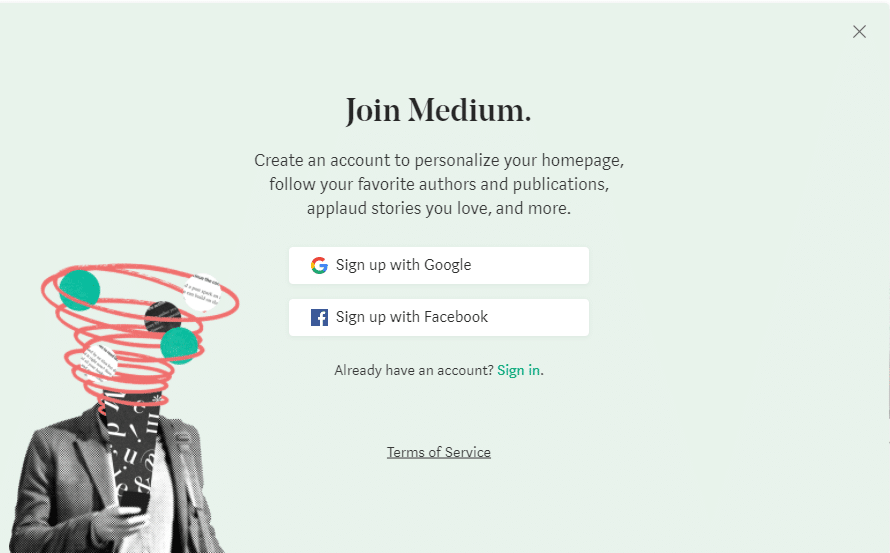
With Medium, you can get started in just a few seconds. All you need to do is create an account and start writing:
The Medium Editor is something that many people love because it offers a great distraction-free experience for writing your posts:
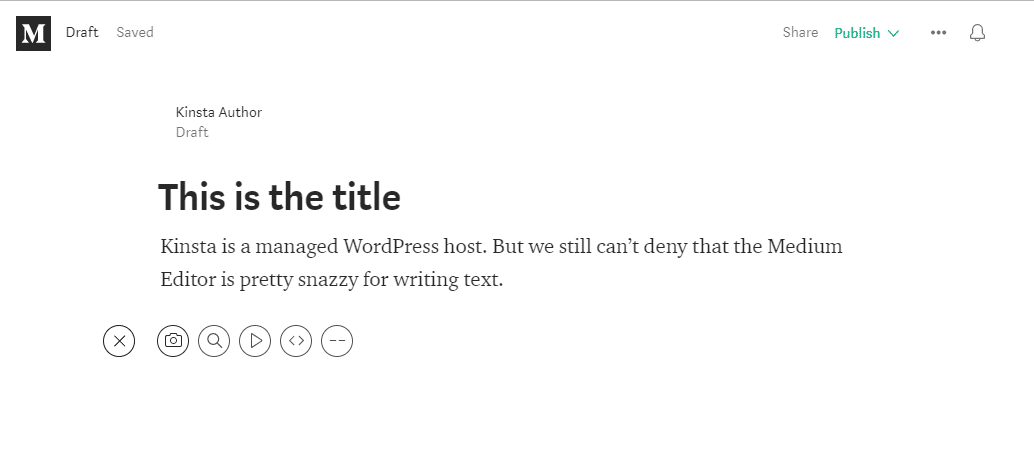
Right now, most people would probably consider the Medium Editor a superior tool to the WordPress Editor specifically for writing blog posts (the WordPress Editor is much more flexible for other aspects of managing a website, though).
The WordPress Gutenberg editor, a new editor for WordPress that will be released sometime in 2018, has a lot of similarities to the Medium Editor, though, so we should see this writing-experience gap closing soon.
Once you finish writing, you publish your post and it’s out in the world. That’s it!
How You Start a Blog With Self-Hosted WordPress
When you go with self-hosted WordPress, the process is definitely a little lengthier to start writing your blog posts. You’ll need to:
- Sign up for hosting
- Find and purchase your own domain name
- Install and configure WordPress
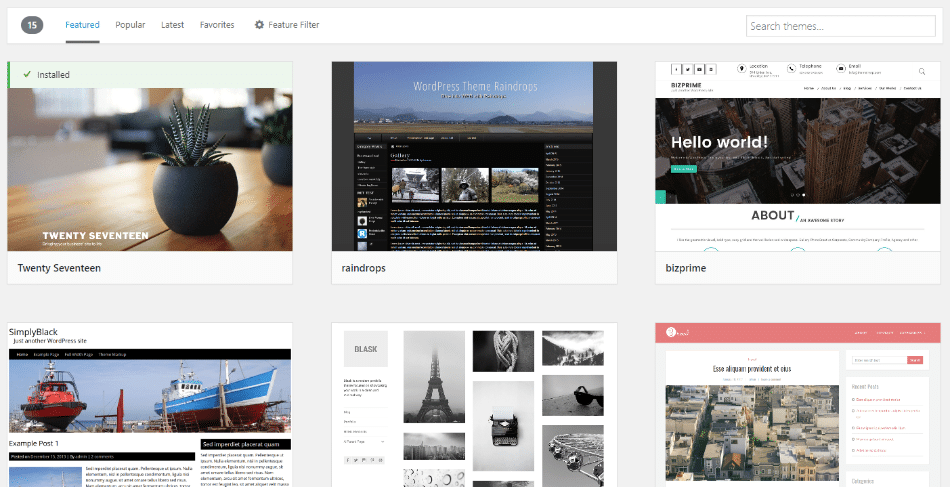
- Customize your site with a theme and plugins
4 Reasons To Choose WordPress Over Medium
We’re going to start off with the advantages of WordPress over Medium because it will make it simpler to point out Medium’s advantages in the next section.
1. WordPress Lets You Own Your Own Website
Remember that technical mumbo-jumbo about hosting and domain names from a second ago?
Here’s why that’s important:
When you set up WordPress on your own hosting, you 100% own your website and all the content that you publish.
That means:
- No one can “close” your account and kick you off the platform (unless you’re violating actual laws, of course!)
- You can make any change that you want to your site
- Your data and content is always 100% your own. While Medium makes it easy to export your posts, your content still “lives” on Medium’s server when you write on Medium.
2. WordPress Makes It Easy to Add New Features and Change How Your Site Looks
Because you own your own website, you can take advantage of WordPress’ massive ecosystem of plugins and themes:
- Plugins – these make it easy to add additional functionality to your blog without needing to know any code. Contact forms, forums, social media share buttons… you name it.
- Themes – these make it easy to change how your blog looks without needing to know any code.
Combined, these two types of extensions give you full control over how your website looks and functions without needing to know how to code, which gives you a level of customization that Medium can’t come close to matching.
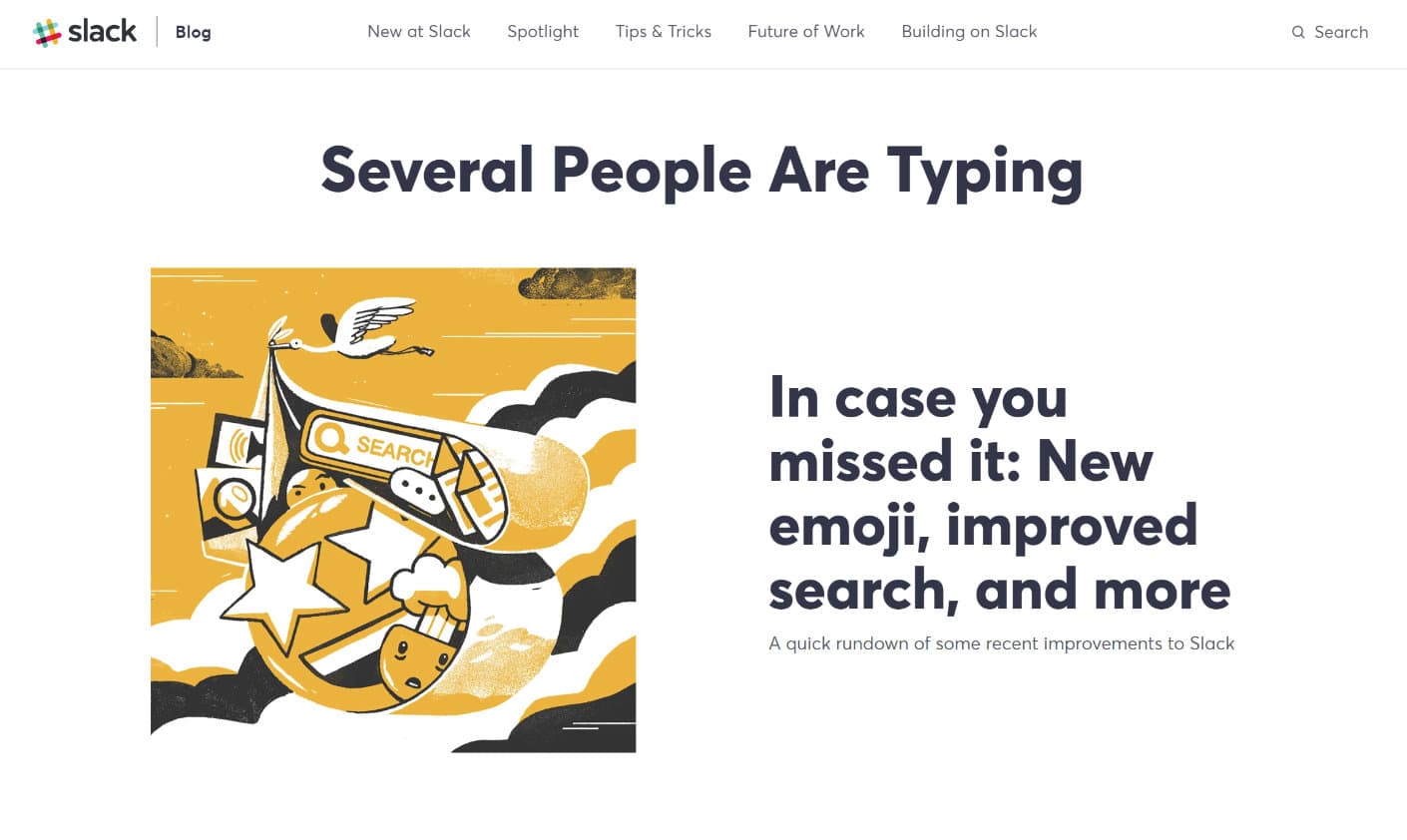
This is one reason why Slack moved their blog from Medium to WordPress in 2018.
3. WordPress Doesn’t Restrict Your Content
This might be a smaller consideration because Medium’s content restrictions aren’t overly onerous. But the fact remains that there are some restrictions on the type of content you can create on Medium:
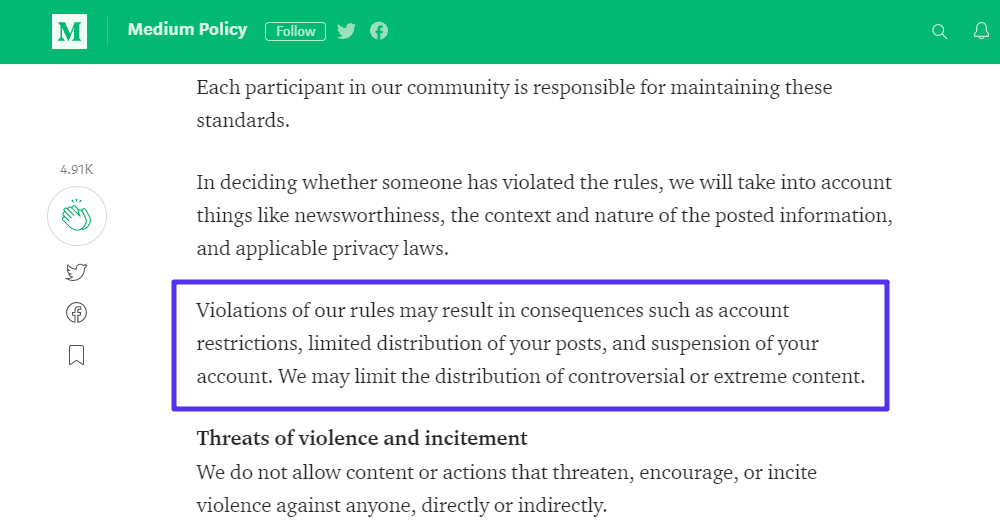
Will most users bump into those restrictions? Probably not. But the fact remains that they exist on Medium but not on WordPress. And if you run afoul of them, you can end up with your Medium account getting closed.
4. WordPress Lets You Make Money However You Want
Finally, if you have aspirations of monetizing your content, you should absolutely choose WordPress over Medium.
While Medium does have a Partner Program that allows people to earn some money from their content, it doesn’t pay very much, which is why a lot of big publishers are moving away from Medium.
Furthermore, it’s only a single, set method, whereas WordPress lets you:
- Run ads
- Accept sponsorships
- Use affiliate programs
- …anything you want to make money
3 Reasons To Choose Medium Over WordPress
Let’s be fair – here are some of the areas where Medium excels over WordPress.
1. Medium Is Simple, Simple, Simple
If you don’t care about owning your own site and having the option to add extra features and monetize it however you want, there’s no denying that Medium makes it easier to get up and running with a blog. In fact, many large companies utilize Medium for their blog so they don’t have another platform to worry about when it comes to management.
You can use social login to literally start writing your first post in under a minute. They also have a pretty great mobile app which ensures reading articles throughout the entire site for visitors is always a great experience.
2. Medium Has A Built-in Audience
Another benefit of Medium is its built-in audience and traffic. Medium has a huge group of readers who go to Medium specifically to read other people’s content. If you have quality content, you can reach those people through Medium’s website:
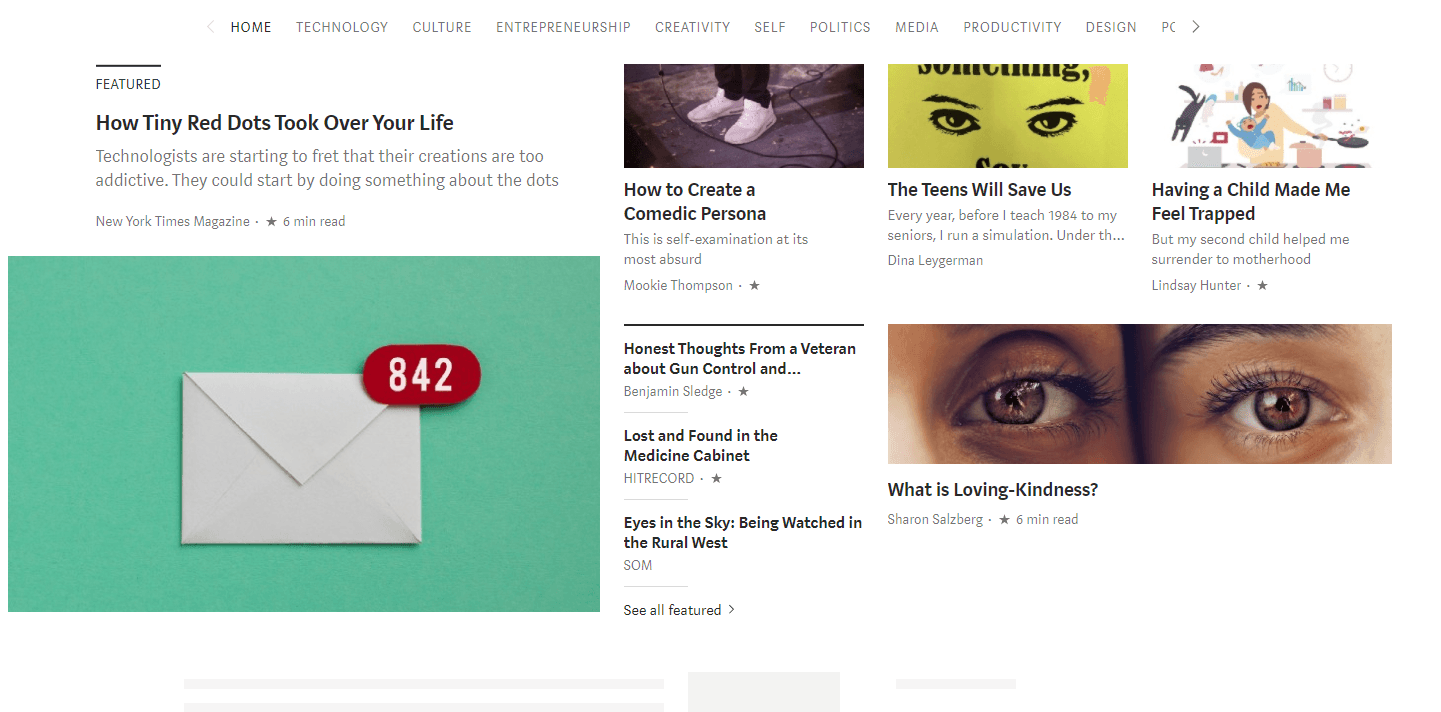
If you create your own WordPress site, you can eventually build your own audience – but unless you already have people interested in your work, you’re going to start at zero and the initial slog of growing your website can definitely be tough.
3. Medium Has A Social Component
As part of that built-in audience part, Medium also has a social element that’s hard to get on your WordPress site. The functionality is easy enough on WordPress – but the community is a lot harder to build.
Other Medium users can easily comment on your articles, like them (“claps”), share them, etc:
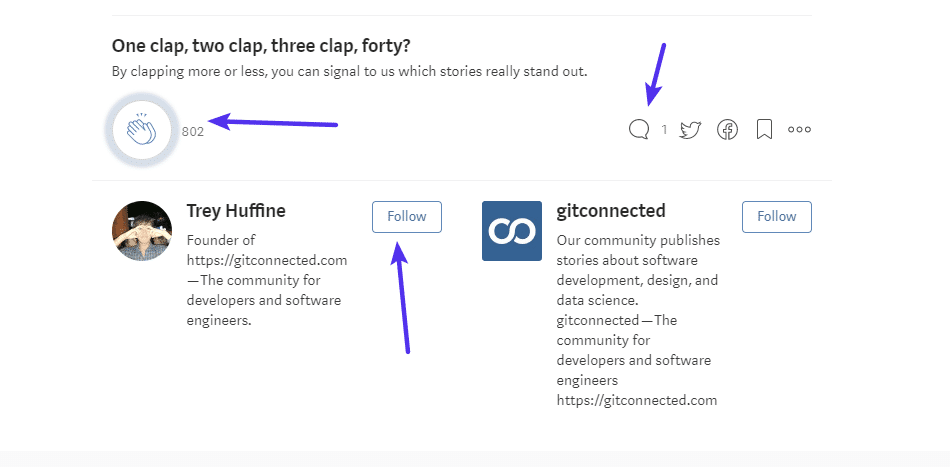
You can also easily follow other Medium accounts. And the Facebook-like notification system that’s built into Medium keeps everyone updated with all the latest content and comments.
Medium vs WordPress: Which Should You Choose?
This entirely depends on your goals.
If you just want to write and get your content seen in the easiest way possible, Medium is a great option as long as you’re ok with the facts that you:
- Don’t have full ownership of your site and are building your platform on someone else’s brand.
- Can’t control how your site looks or functions (for the most part).
- Can’t monetize your site however you want.
- Might run into content restrictions if you like to push the boundaries with your content.
Most of the time, spending a little effort and money to set up your own WordPress site is going to be a better long-term decision if you’re serious about creating your own brand.
Yes, there’s a bigger upfront time investment in building your site and growing an audience. But once you do those things, it will be yours and nobody else’s. And that’s a pretty valuable distinction!
You Don’t Have to Choose – You Can Use Both
Finally, there is a way to get the best of both worlds:
You can create your own WordPress site and still safely syndicate your content on Medium to gain access to Medium’s audience. Medium’s import tool makes it easy to bring your content onto the Medium platform:
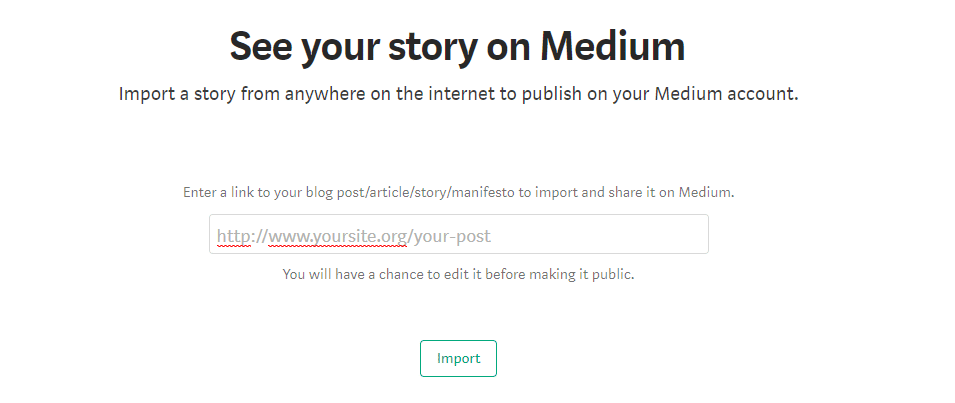
The tool even automatically adds a rel="canonical" tag to the Medium version to ensure that you don’t get any duplicate content penalties from Google. Check out a step by step tutorial on syndicating your blog content to Medium.
In the end – even if you’re already firmly on Team WordPress (which we’re sure a lot of our readers are), you can still safely give Medium a try for your content.
Categories
Subscribe Now
10,000 successful online businessmen like to have our content directly delivered to their inbox. Subscribe to our newsletter!Archive Calendar

| Sat | Sun | Mon | Tue | Wed | Thu | Fri |
|---|---|---|---|---|---|---|
| 1 | 2 | |||||
| 3 | 4 | 5 | 6 | 7 | 8 | 9 |
| 10 | 11 | 12 | 13 | 14 | 15 | 16 |
| 17 | 18 | 19 | 20 | 21 | 22 | 23 |
| 24 | 25 | 26 | 27 | 28 | 29 | 30 |
| 31 | ||||||
Recent Articles
-

Posted on : Jul 25
-

Posted on : Jul 07
-

Posted on : Apr 07
-

Posted on : Mar 19
Optimized my.cnf configuration for MySQL 8 (on cPanel/WHM servers)
Tags
- layer 7
- tweak
- kill
- process
- sql
- Knowledge
- vpn
- seo vpn
- wireguard
- webmail
- ddos mitigation
- attack
- ddos
- DMARC
- server load
- Development
- nginx
- php-fpm
- cheap vpn
- Hosting Security
- xampp
- Plesk
- cpulimit
- VPS Hosting
- smtp
- smtp relay
- exim
- Comparison
- cpu
- WHM
- mariadb
- encryption
- sysstat
- optimize
- Link Building
- apache
- centos
- Small Business
- VPS
- Error
- SSD Hosting
- Networking
- optimization
- DNS
- mysql
- ubuntu
- Linux






