
15 Interesting Ways to Use WordPress Forms
- Category : WordPress
- Posted on : Sep 22, 2018
- Views : 2,973
- By : Icarus M.

Are you stuck trying to implement something new on your WordPress website? Chances are there are items on this list you’ve never imagined WordPress forms are perfect for!
Can’t find the right tool for the job? Not even sure what the right tool is? When was the last time you took a close look at what you can do with your WordPress forms? You may just have the tool you need already installed!
There’s a million and one uses we put our WordPress websites to every day. From qualifying new leads to accepting job applications to selling products and accepting donations, there are literally tens of thousands of WordPress plugins to tackle the task.
For many of those tasks, there may well be a single plugin that can handle them all. WordPress forms are far more flexible than most people realize. With that in mind, read with us for a few minutes as we explore 15 interesting ways you can use WordPress forms!
1. Contact Forms (That Do More than You Think They Can)
Sure, contact forms are most definitely the #1 most generic use case for a forms plugin. Practically everyone has one, but are you using yours to their fullest potential? Many don’t!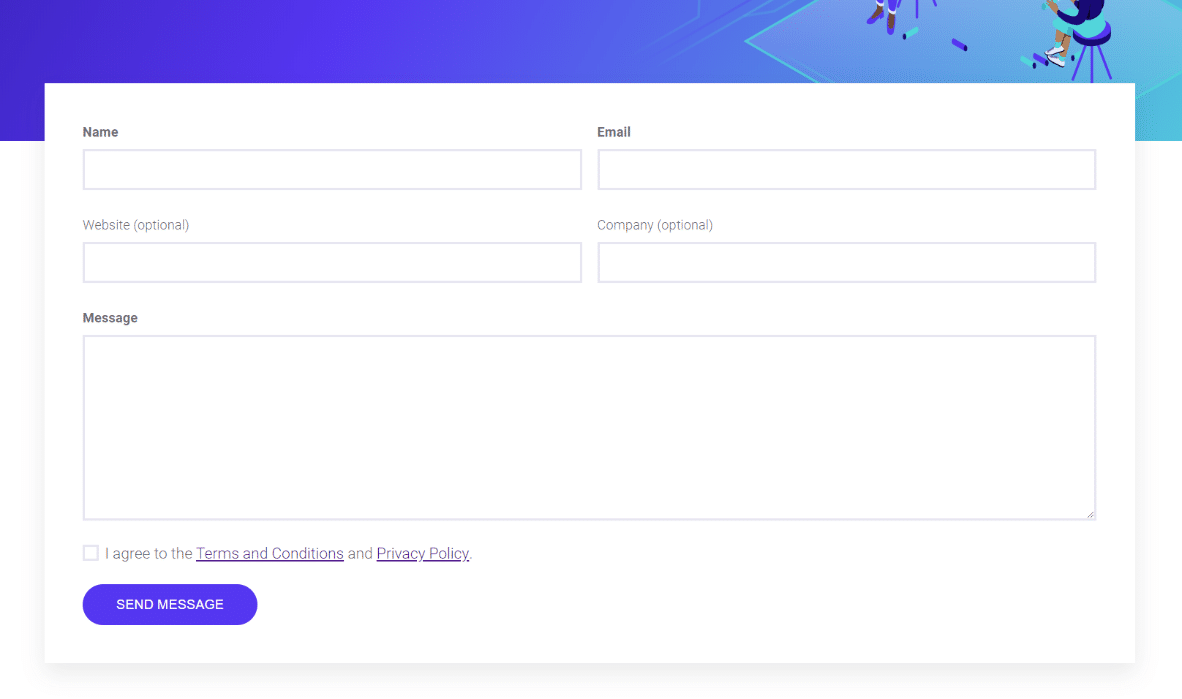
Sometimes when your guests reach out it can wait, but it’s bad for business to keep them waiting long. Any decent contact form plugin should offer automated email notifications that let you know when someone’s submitted your contact form. Use these to make sure you stay on top of your guests’ needs.
Other submissions are more urgent and can require immediate action. Can your WordPress forms solution send SMS/text notifications, or alert you through company channels like Slack or Trello? Find one that can, pronto!
2. Grow Your Subscriber Lists with Creative Placement and CTA
Virtually every newsletter subscription service from MailChimp to Constant Contact has stock forms to use for subscribing visitors. They work, but the fact is that they’re limited. Design, placement, aesthetic, function, they’re sort of ‘locked’ in and inflexible.
A dedicated form plugin can do much more than replicate the functionality of any of these service’s stock sign up forms. Go above and beyond with creative techniques that will get your subscription forms noticed and skyrocket growth for all your lists.
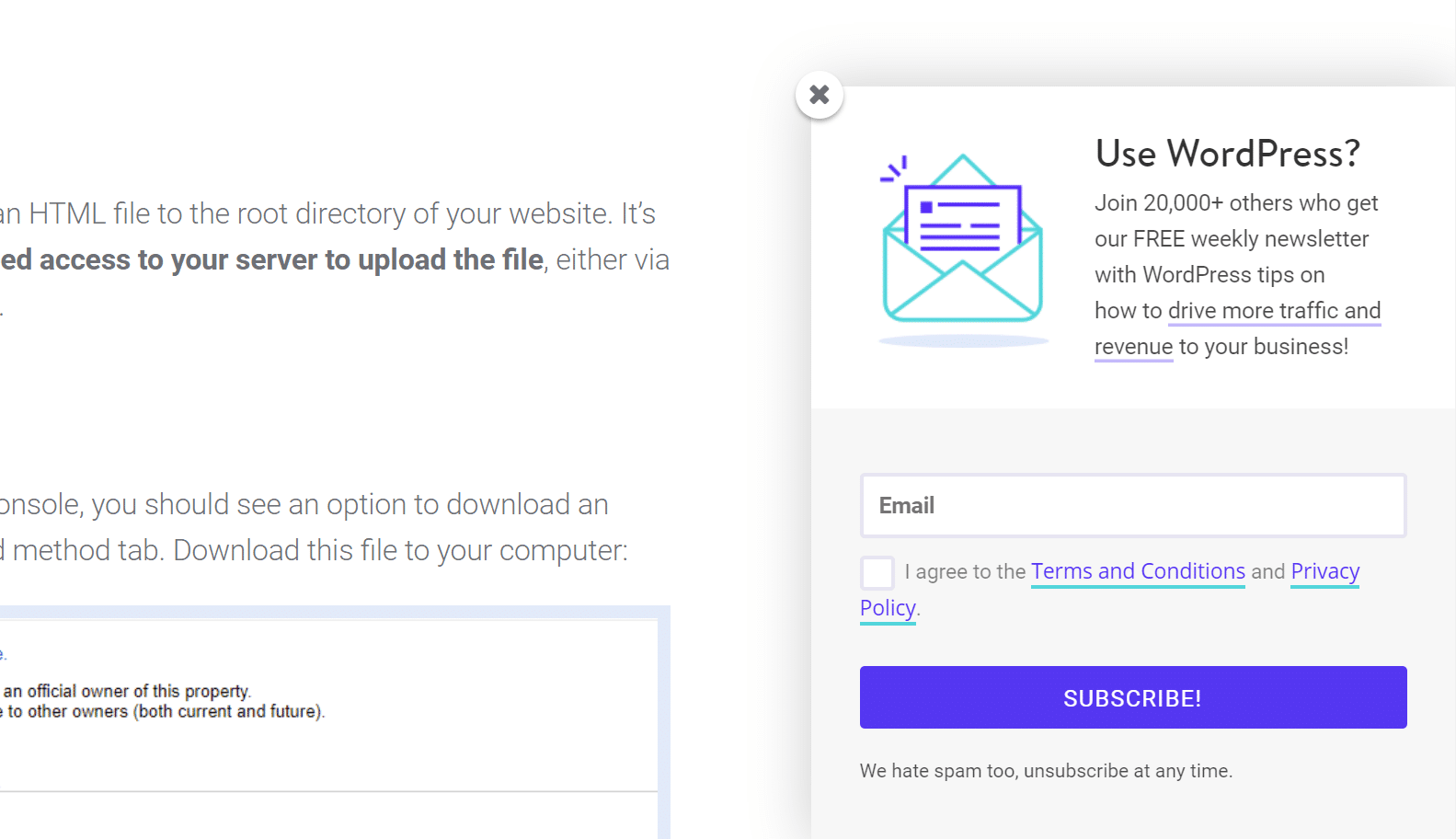
Here’s a sampling of what you can add with a dedicated forms solution:
- Images
- Header text w/ a call to action
- Custom styling and layout of fields
- The ability to ‘popup’ when a user makes specific interactions with the page
3. Integrate with Your Favorite CRM Service
As businesses grow their customer bases, customer relationship management becomes a practical necessity. There’s a large pool of fantastic CRM services out there, but getting customer data from a website to service is a pain point for many people.
Eliminate that pain entirely by adopting a WordPress forms solution with a stable, reliable integration to the CRM service of your choice. Working inside your CRM itself can often be complicated enough… there’s no reason to increase that burden by having to maintain a custom integration or moving data over by hand.
Many WordPress forms solutions natively integrate with almost all of the most popular CRM services out there. From Salesforce to Zoho and Capsule to ConvertKit, what you need is out there. Go find it! Make sure to also check out these popular WordPress CRM solutions.
4. Get Customer Feedback on Your Product or Service
User feedback is one of the best metrics for understanding how to improve your product or service. Word of mouth is going to trickle back to you one way or the other, but you’re missing big opportunities for growth if you’re not actively listening to your customers.
Encourage regular customer feedback to inform the direction of your offering into the future. What’s more, simply keeping your finger on the pulse of your paying customers is a huge advantage in any marketplace.
Using a form for collecting customer feedback is cut, dry, and simple… but powerful. Your form can be linked to via follow up emails or placed anywhere on your site. Notifications keep you up to speed on when new feedback submissions come in. Even apply a bit of conditional logic to your feedback form to alert you immediately via SMS/text when you have an unhappy user!
5. Booking and Event Registrations
Managing large numbers of people when coordinating an event or scheduling time slots can be a real pain. Eliminate a lot of the inherent chaos of these situations by starting off organized!
WordPress forms make the perfect tool for allowing users to register and schedule for appointments and events. Limit the number of submissions, block off time frames, even automatically populate data into spreadsheets or your favorite organizational tool. Send registrant confirmations, trigger custom notifications that go to specific event planners, even collect fees directly from the form.
Better yet, give your guests a way to communicate their needs without overloading them with irrelevant options. Smart forms can ask a registrant about the basics and conditionally present options from what you offer based on those needs. Never ask a vegetarian if they want prime rib again ;)
Obviously, there are a lot of WordPress plugins to manage bookings through your site.
6. Accept Job Applications and Related Documents
Just as mobile device usage overtook the desktop years ago, the majority of job seekers hit the internet to look for potential employers before they go canvassing paper applications. If you’re not tapping into this, you’re missing out on a good chunk of the employable workforce and maybe your next star employee.
Forms offer you a way to easily accept uploaded files if you’re looking to collect a resume, C.V., and other related employment documentation. You can even use the form itself as the application. Have users register if desired, fill out an application, and collect the necessary documentation… all using WordPress forms.
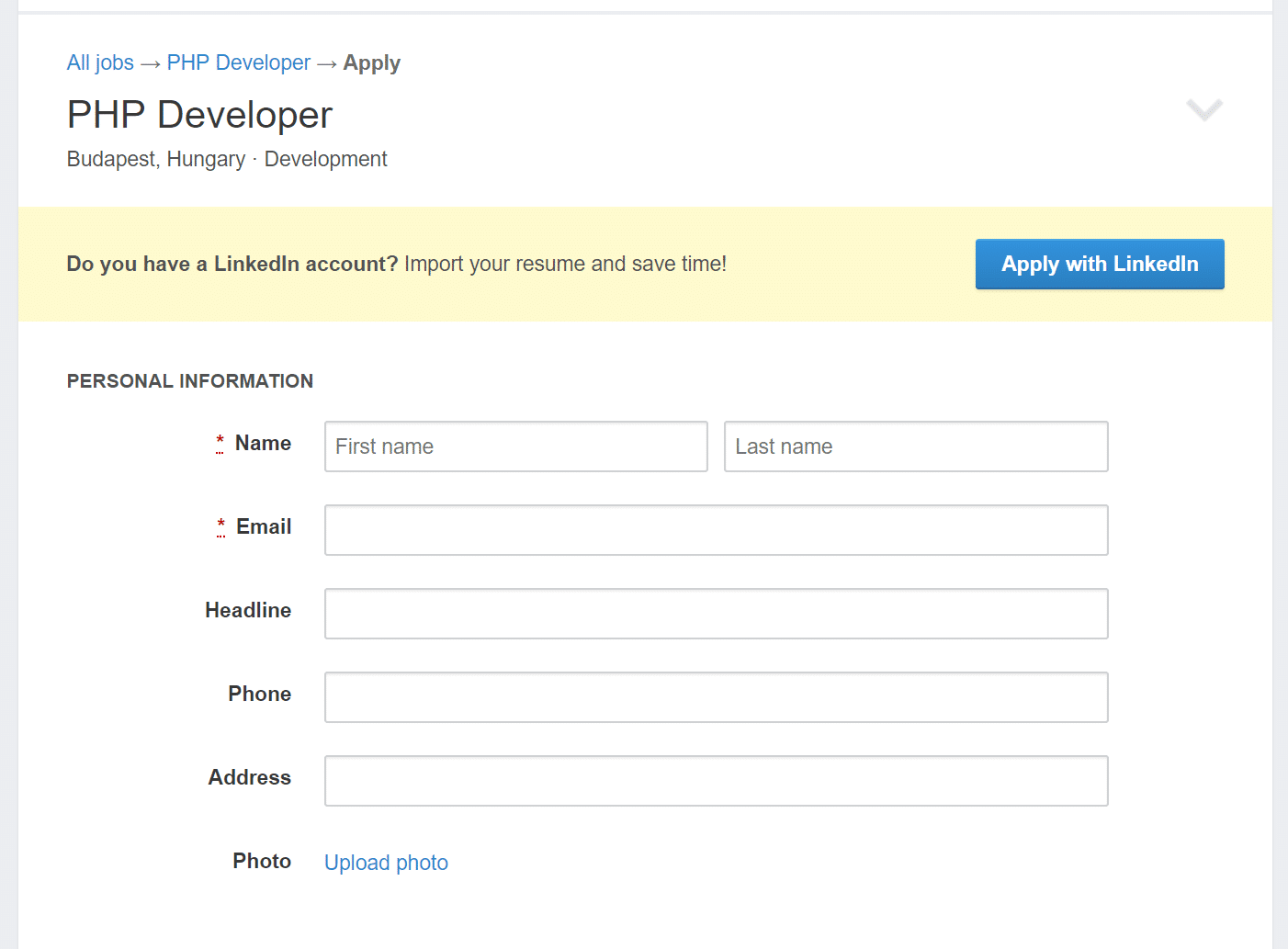
A bonus to this method? Using a combination of form calculations and conditional logic (that sounds complicated but is super easy with the right form builder), you can score applicants behind the scenes as the form is filled out, and ping the right people when a particularly qualified applicant submits!
7. Accept Media Files like Photographs, Audio, and Video Recordings
From education to entertainment to documenting, there are a ton of reasons why you might want to allow users to upload media files to your website. WordPress forms not only make this really simple, but secure as well.
A solid form builder plugin should allow you to drag and drop in a media file using a single field. They should also let you limit file submissions by extension, type, and other factors to minimize junk submissions. An added feature to look for is the ability to upload these files straight to a storage service of your choice like Dropbox or Amazon S3 so you don’t start to eat up storage space on your server!
8. Let Customers Leave Reviews and Submit Testimonials
Social proof is a powerful tool. The majority of purchasers read product reviews before they buy, and seeing others leave positive opinions about a product is a sure way to tip the hesitant towards buying.
The right form building tool will have the features you need to allow users to leave reviews right on your product page. A star rating field is a must for these, and the right form builder should have one as a stock option. You can also moderate these, and use a combination of conditional logic and notifications to alert you to low reviews so you can follow up!
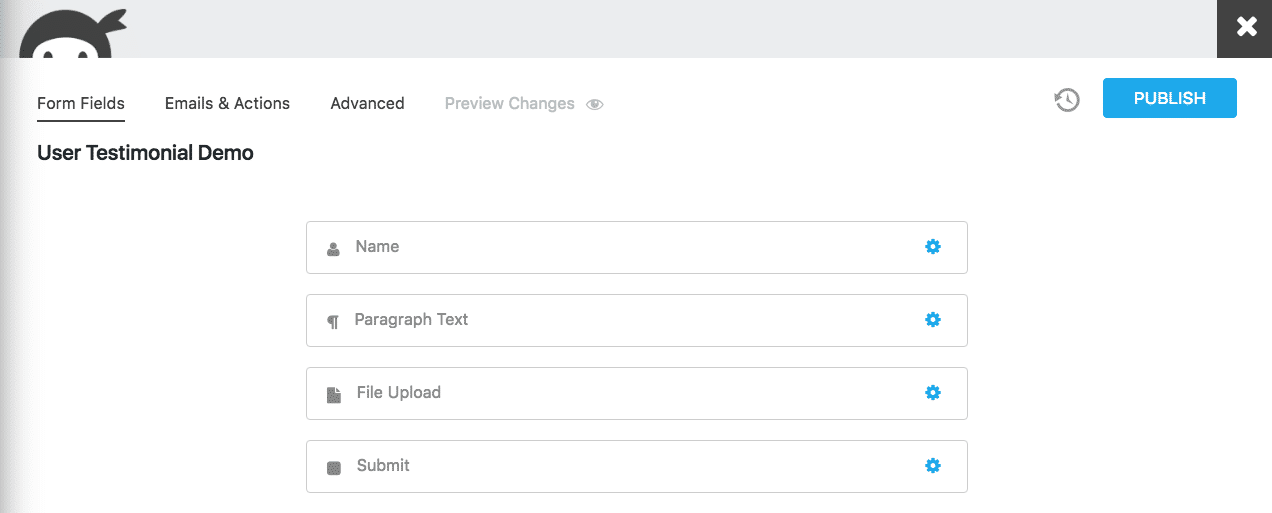
Testimonials are often a bit more complex than simple reviews, but you can do these fairly easily with a form too. Allow users to upload an image to accompany their text for added authenticity, choose where on the site you want them to display, and moderate/approve them before they go live. It’s something you can set up the mechanics for once, and virtually forget!
9. Accept Donations
Many people don’t associate forms with a means of taking money, but they actually excel at the task. Easily integrate your forms with a number of payment gateways like Paypal or Stripe. It’s much more professional than a simple Paypal button, and gives you greater control over the process.
Just like a contact form gives you the advantage of collecting information about the submitter over a simple email link contact, donation forms do the same. You can even set up recurring fixed donations by integrating with subscriptions services like Recurly or Stripe.
We also recommend checking out Give form integrations.
10. Sell a Product or Collect Payment for Your Service
Forms aren’t limited to one-time (or recurring) donations or simply collecting a one-time payment. There are a variety of commercial WordPress storefront plugins like WooCommerce, but these are often much more, and of a greater complexity, than what you need.
If all you want is a way to take orders and process payment, WordPress forms are a perfect way to get set up without the complexity of a full-on commercial plugin. You don’t sacrifice flexibility, though! The power to build out beautiful product pages complete with imagery and a diverse set of product options are still at your disposal. Simply integrate with a payment gateway service like Stripe or PayPal and go!
To top it off, it’s even pretty simple to set up recurring subscription plans. Pick the right form builder and you’ll have integrations to reliable subscription management services at your fingertips!
11. Populate Physical or Digital Documents from a Form
Do you have paper documents or specifically formatted PDFs, Word documents, etc. that you need to be filled out in that very specific format? Think you can’t manage that via web form? Think again!
End result? Your carefully formatted document is auto-populated by the form submission, and it’s ready to go. This is a very niche use case, but is incredibly useful to anyone with very specific record keeping needs!
12. Allow Users to Post Their Own Content to WordPress Without Accessing the Dashboard
Normally in order to create posts in WordPress, a user has to be logged in and have the relevant user role permissions. That’s not always ideal. Letting high school students log onto your website and post their own research projects, for example, can go hilariously wrong really fast!
Fortunately, if you have this need, you can pull it off relatively easily with your WordPress forms. Provided that you use a form builder with front-end posting capabilities, users can create posts via a web form. Those posts are categorized and tagged as you have pre-defined, and then sent to you for moderation if you desire. Once you approve them they’re live on your site just as if they’d been created in the post editor.
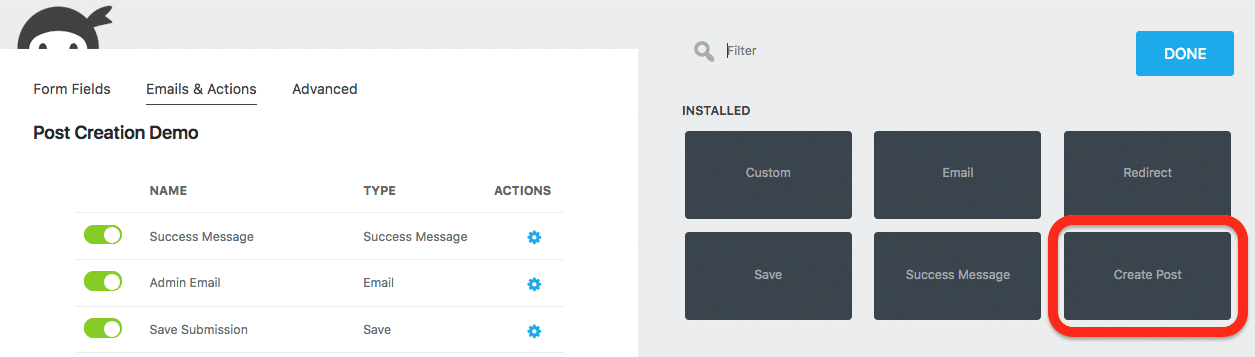
Bonus use case for this one: front-end posting is great for user-generated testimonials!
13. Quizzes!
Which Star Wars character are you? Who would you be if you were a character from Friends? Don’t act like you’ve never taken one of these before :) … truth is, they’re an effective little marketing gimmick if you want them to be, or just a simple, fun way to get people to engage with you if nothing else.

These are easy enough to build out with any WordPress forms solution that has a calculations capability. Assign calculation values to different answers, and then conditionally present a success message based on their ‘score’ at the end of the quiz.
There are many more ways to apply this system than for quizzes, and most form builders make it easy to build quizzes in other ways, too. Want a more serious application? See #14!
14. Lead Qualification
Not all leads are created equal! New leads can have a wide range of value to your organization. It’s incredibly useful for any sales team to be able to get a solid estimate of a leads value from the first contact in order to set priorities. This can be done with a form.
Similar to our quizzes from #13, a combination of calculations and conditional logic applied within the form is what makes it possible. Ask the lead questions, assign values to each question, calculate a total, and you have a qualification score with each new submission.
Use that qualification score to conditionally notify the right people about high-quality leads. Craft custom success messages and/or email notifications to respond with. Your imagination is the limit!
15. Register and Manage Users in WordPress
WordPress’ own user registration process is pretty barebones. Many dedicated user registration plugins are pretty darn complicated and take a lot to learn. How to strike a happy medium?
With the right form builder, you can register and manage users from the convenience of your forms. Let them register, login, even update their own profile with images, bio text, and more!
Bonus: Choose Your Own Adventure Stories!
So yes this is incredibly niche, but it’s a perfect example of how your imagination really is the ceiling for what you can use a form for.
A while back our support team encountered a user who had used a combination of conditional logic, multi-part forms, and liberal use of drop-down fields to create a ‘choose your own adventure’ story with a form. She was using text fields to tell a story in each form part, then asking students what they wanted to do next via drop-down field. Based on the student’s selection, they’d be sent to a different form part to continue the story.
How neat is that? It begs the question…
What Can’t Your WordPress Forms Do?
Honestly, there’s a lot you’re just not going to be able to do with a web form. But there’s a heck of a lot that you can do that you’ve never even thought possible. This article doesn’t even begin to list them all!
Be creative! Forms are our business and believe us, even we are surprised at the clever uses our users come up with on a daily basis. Before you go we’d like to humbly suggest that you take a look at Ninja Forms, the #1 most popular WordPress forms solution on WordPress.org, and see what kind of clever uses you can put your new form builder too. Everything we’ve listed out above is barely the tip of the iceberg! ?
Categories
Subscribe Now
10,000 successful online businessmen like to have our content directly delivered to their inbox. Subscribe to our newsletter!Archive Calendar

| Sat | Sun | Mon | Tue | Wed | Thu | Fri |
|---|---|---|---|---|---|---|
| 1 | 2 | |||||
| 3 | 4 | 5 | 6 | 7 | 8 | 9 |
| 10 | 11 | 12 | 13 | 14 | 15 | 16 |
| 17 | 18 | 19 | 20 | 21 | 22 | 23 |
| 24 | 25 | 26 | 27 | 28 | 29 | 30 |
| 31 | ||||||
Recent Articles
-

Posted on : Jul 25
-

Posted on : Jul 07
-

Posted on : Apr 07
-

Posted on : Mar 19
Optimized my.cnf configuration for MySQL 8 (on cPanel/WHM servers)
Tags
- layer 7
- tweak
- kill
- process
- sql
- Knowledge
- vpn
- seo vpn
- wireguard
- webmail
- ddos mitigation
- attack
- ddos
- DMARC
- server load
- Development
- nginx
- php-fpm
- cheap vpn
- Hosting Security
- xampp
- Plesk
- cpulimit
- VPS Hosting
- smtp
- smtp relay
- exim
- Comparison
- cpu
- WHM
- mariadb
- encryption
- sysstat
- optimize
- Link Building
- apache
- centos
- Small Business
- VPS
- Error
- SSD Hosting
- Networking
- optimization
- DNS
- mysql
- ubuntu
- Linux






